
Parkonect’s License Plate Lookup feature enables customers to search for their license plate at a Pay-on-Foot (POF) station to view and pay their balance. This feature requires the license plate to have been scanned upon entry by the LPR system. This feature was designed to provide another payment option for any parking facilities enabled with LPR as Ticket or Express Pay.
How it works #
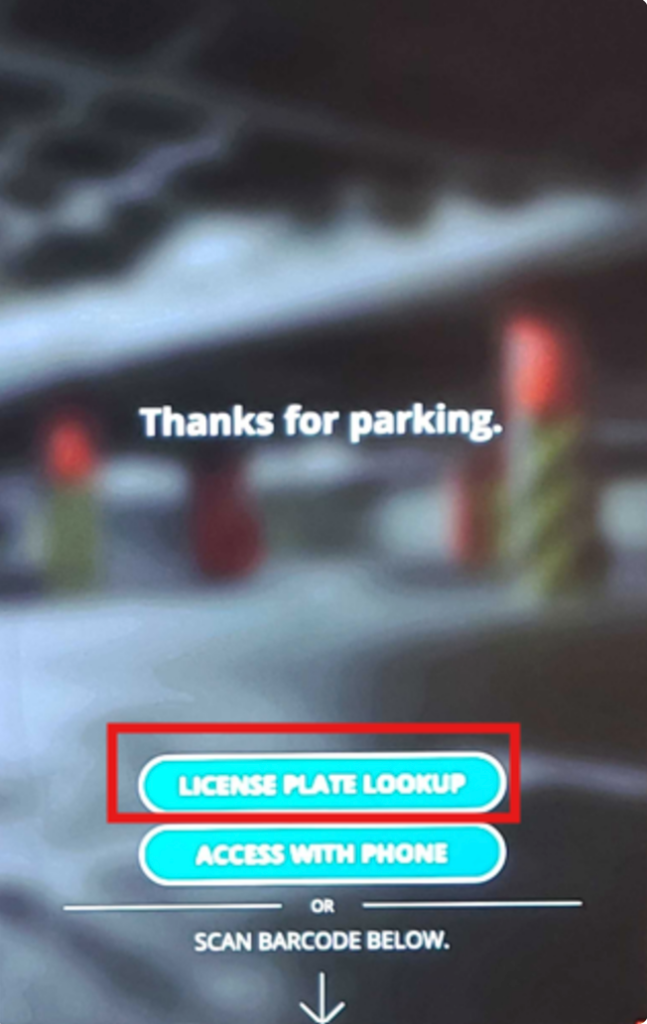
Tap LICENSE PLATE LOOKUP on the POF screen
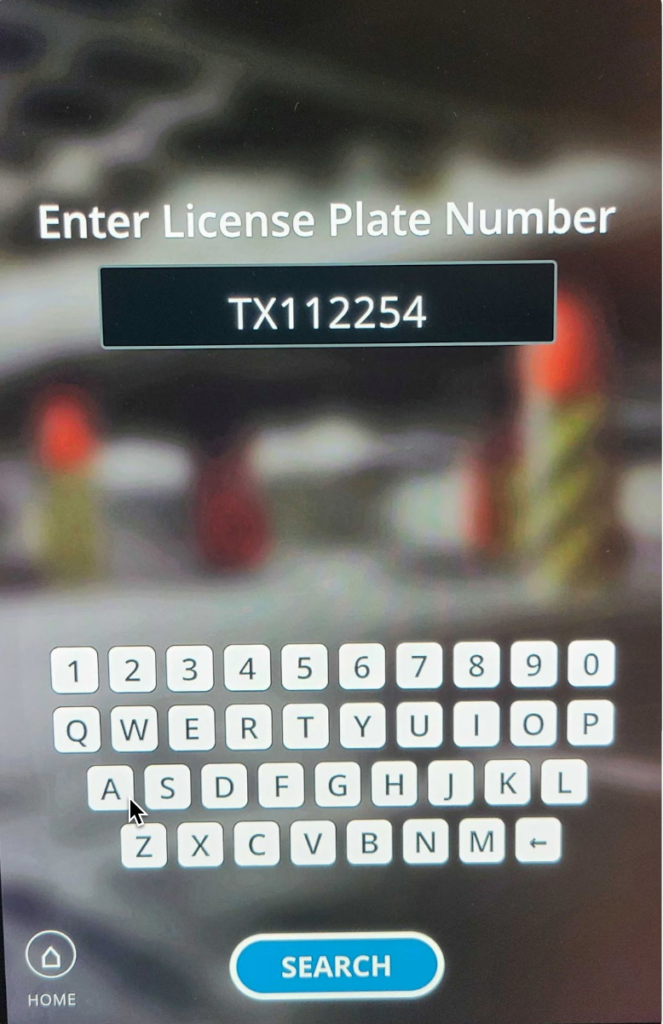
Type In the License Plate
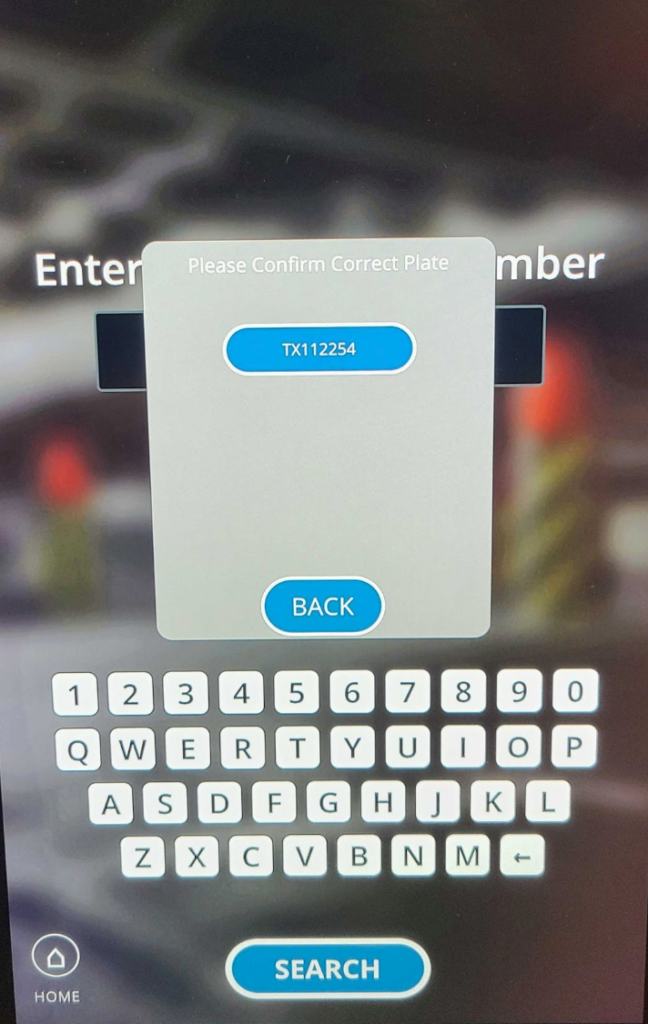
Tap Search to confirm the entered license plate or go back to correct it.
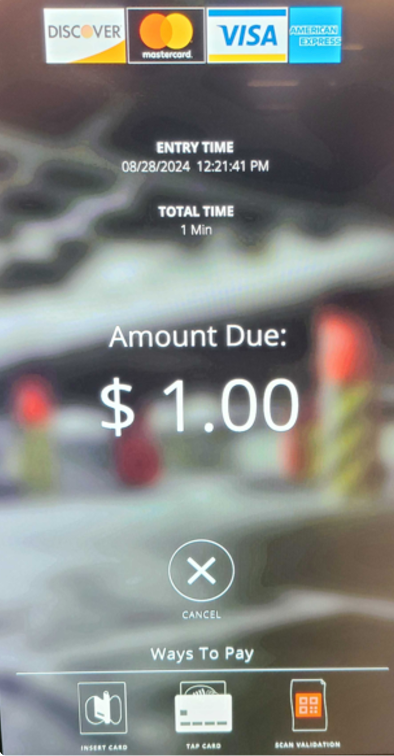
The system pulls the Amount due based on the license plate captured at entry.
Implementation #
Configuration #
The License Plate POF Lookup feature is not a paid module but an additional setting option for any LPR-enabled parking facilities.
Parkonect Super User role (internal only) is required to enable this feature, see the configuration guide here.