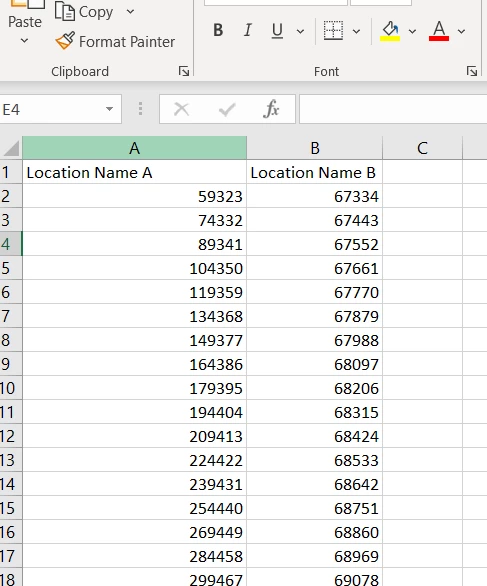
1- Create the excel that you will upload.
2- Open Excel.
3- Create a column with a heading that is named exactly what the location’s name is (capitalizations matter).
4- Below that column header, place all the PARCS cards
5- If you are trying to upload PARCS cards to multiple locations, you can do so on the same excel.
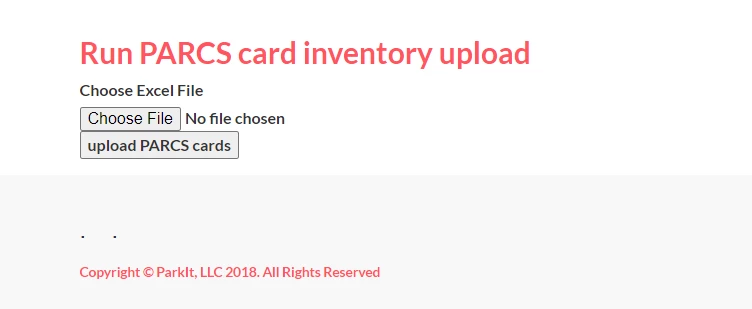
6- Go to onboarding.parkitmonthly.com/admin/admin.php and open one of the locations you are uploading to. Go to the Functions tab and scroll down to the “PARCS Card Inventory Upload”. Upload your excel and run the process. Flip back to the tab and make sure there are no errors. If there are errors none of the PARCS cards will have loaded. Correct errors and reattempt upload.