
When a Monthly, Reservation, or Third-Party account credential is scanned at the kiosk, the associated account name is displayed on the kiosk screen by default.
For increased privacy or to reduce screen clutter, Parkonect offers the option to hide account names from displaying on the kiosk. This setting can be applied to the following account types:
- Monthly accounts
- Third-party integrations (e.g., reservation platforms)
- Parkonect-issued orders
This guide explains how to configure your kiosk settings to enable or disable account name visibility.
Requirements #
The following user-type accounts have configuration access to the Disable Name Display setting.
- Customer Administrator
- Garage Administrator
- Super Administrator
User Flow #
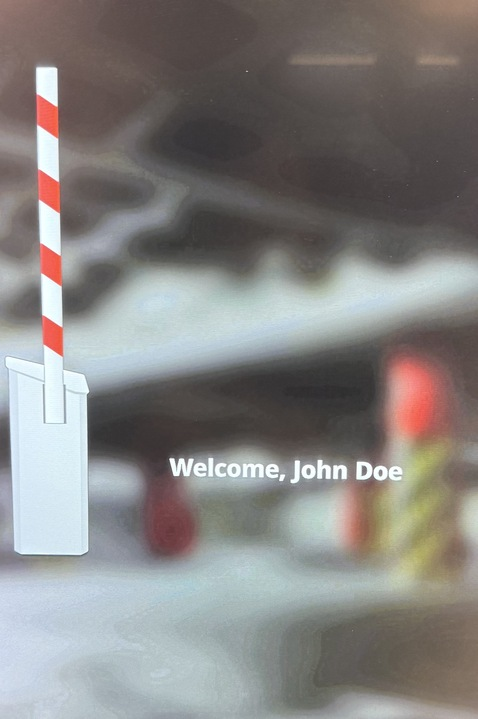
“Disable displaying names on kiosk” – disabled
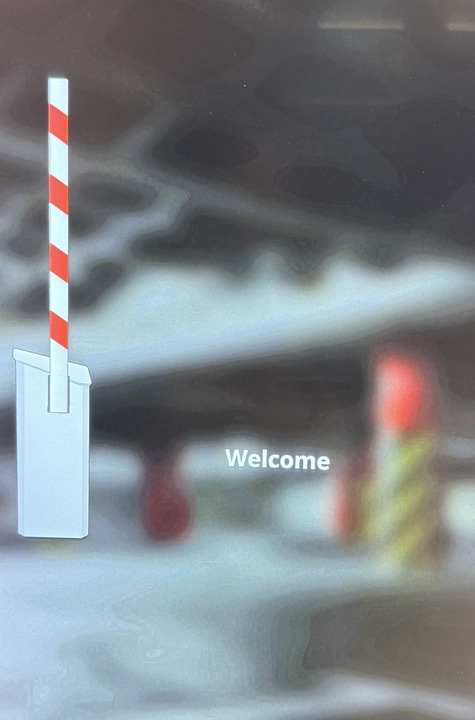
“Disable displaying names on kiosk” – enabled.
Implementation #
- Log in to the Parkonect Admin portal
- Go to Garage Settings > Other.
- Enable the “Disable displaying names on kiosk” flag.
- Update.

Garage Log #
Monthly, third-party, and Parkonect order names continue to appear in the garage log and reports, even if they are not shown on the kiosk screen.

Notes #
- Not compatible with Offline Mode as of PK Cloud Release from 5-22-25.