
The ZipPark Main Dashboard and Event Calendar are the primary tools for managing and assessing garage operations within the portal. They provide comprehensive data on the selected garage, making them the first points of reference for day-to-day parking management, performance monitoring, and event planning.
Dashboard #

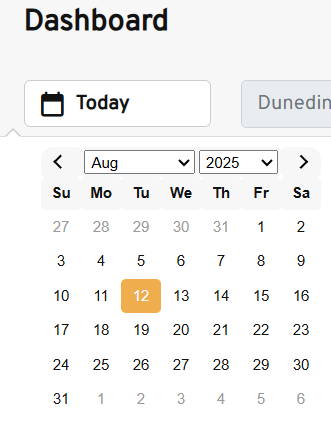
- Date: can be selected from the calendar and will automatically update the dashboard to match that day’s results.
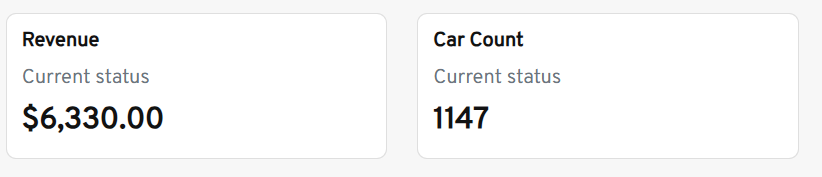
- Revenue and Car Count: Displays current revenue and car count, which are updated in real-time throughout the day.
- Reservations: Displays a reservation count along with its source.

- Device Info: If a ZipPark device is in use for the location or any lot, it will be displayed in this field along with pertinent information such as Cashier’s name, last check-in, and current battery level.

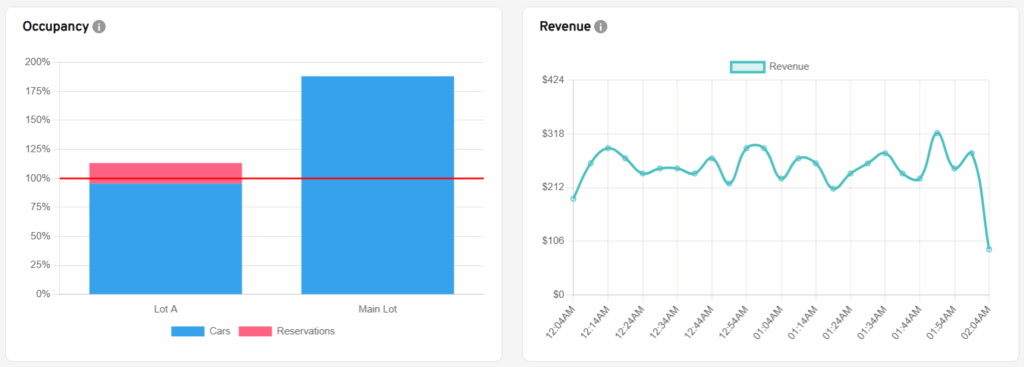
- Occupancy and Revenue: Separated in graphics, occupancy is shown in percentages, while revenue is shown in a line graph with amount and time.
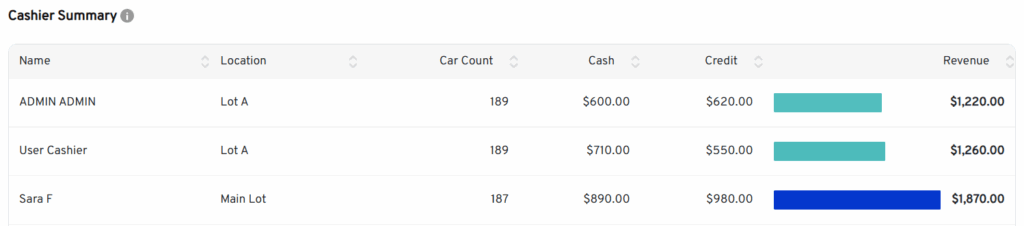
- Cashier Summary: shows accumulated information for cashier users in the location.
- Location Activity: A complete summary of location information, including total reservations and cash.
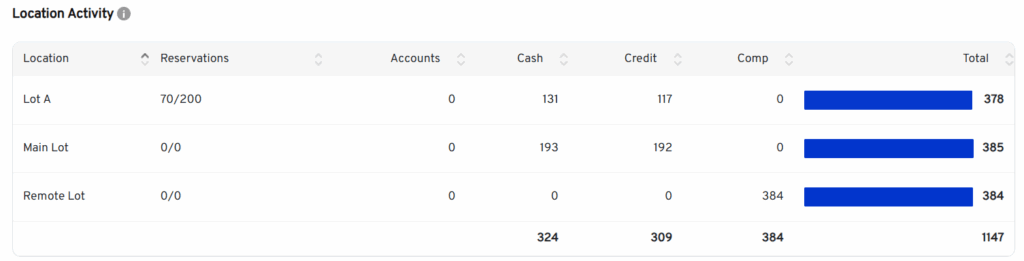
- Transactions: Shows day transactions; this field feeds the Location Activity at the end of the day.

Event Calendar #
Add Event #
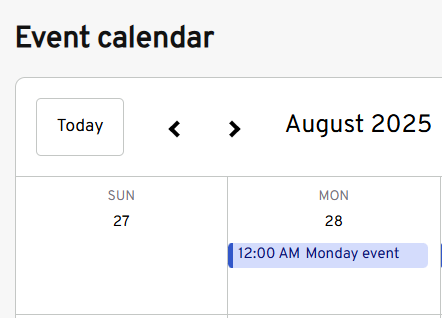
The event calendar shows scheduled events in calendar format, allowing users to add future events in two ways: by pressing the Add Event button, which will bring the user to the Add Event page, or by clicking any day in the calendar.
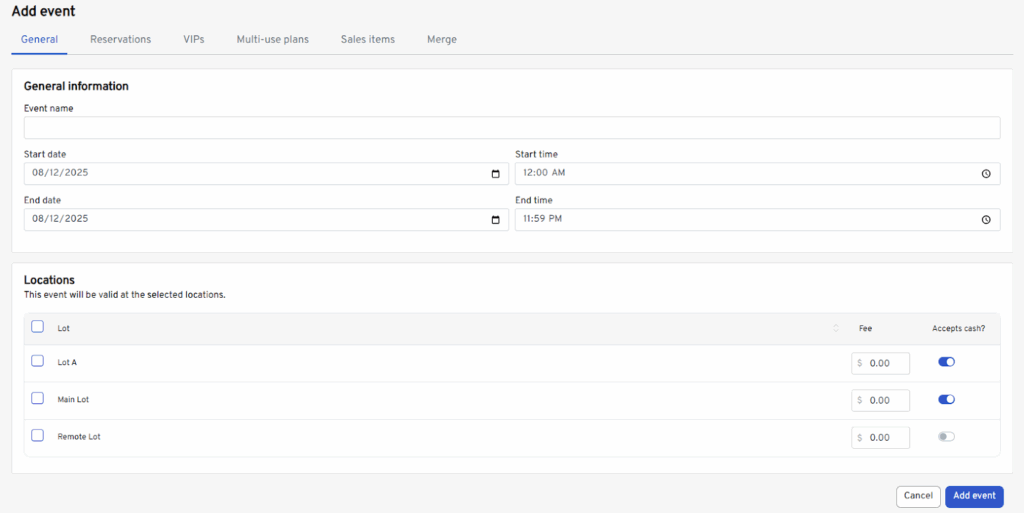
General event details must be provided, including the start and end date and time, as well as the designated location lots where the event will take place, if applicable.