
For detailed configuration steps, seller-specific standards, and DSS best practices, refer to the internal Confluence guide:
ParkWhiz Fees – DSS Best Practices
This article provides a functional overview of how ParkWhiz fees work and when to use each option.
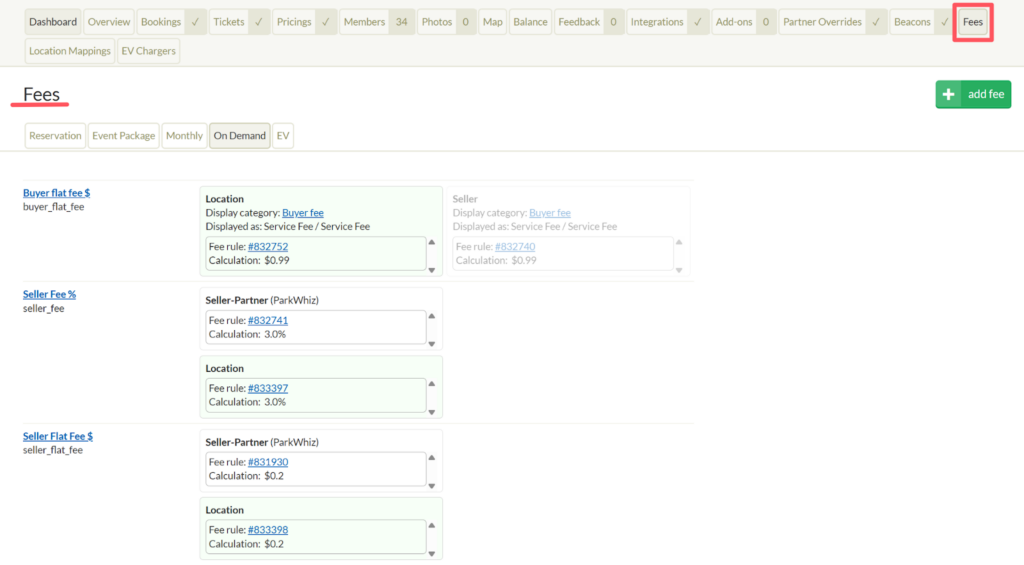
What Are ParkWhiz Fees? #
ParkWhiz fees are additional charges applied during checkout. They can be structured as:
- Buyer Fees – Displayed to the customer at checkout
- Seller Fees – Deducted from seller payout
- Direct-to-Seller Fees – Location-specific charges (e.g., airport taxes)
- Flat Fees ($)
- Percentage Fees (%)
Fees can be applied at the seller, location, or pricing level, depending on the agreement.
How Fees Are Calculated #
There are two key concepts that determine how a fee is calculated:
- What the fee applies to (Resources)
- Whether discounts are included in the calculation
Resources (What the Fee Applies To) #
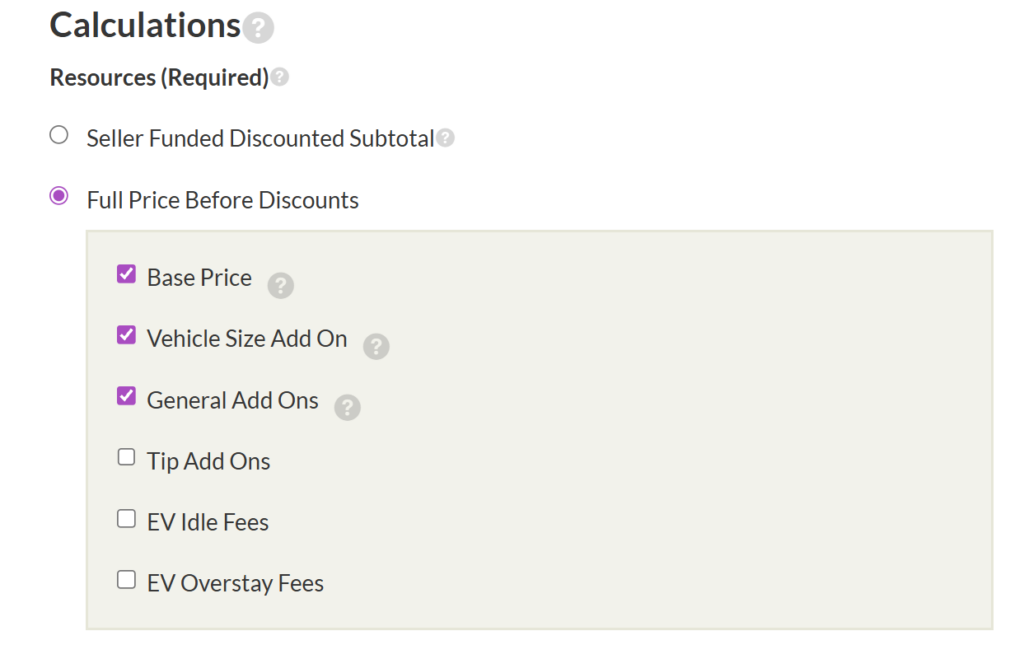
A fee rule defines which transaction components are included in the calculation, such as:
- Base price
- Vehicle size add-ons
- Optional add-ons
Each fee is calculated independently, and percentage-based fees are rounded down.
Fee Calculation Methods #
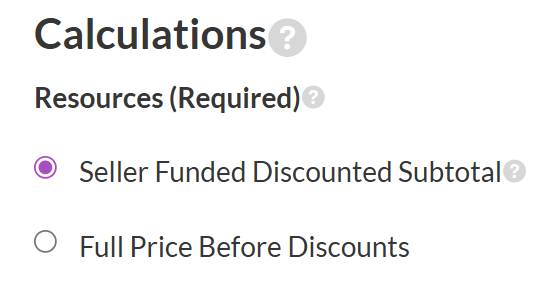
When configuring a fee, you must select how the fee should treat discounts.
There are two options:
Option A: Seller Funded Discounted Subtotal #
The fee is calculated after subtracting the seller-funded portion of a discount.
When to Use #
Use this option when:
- The seller funds the discount
- The fee should reflect the actual discounted revenue
- External validations (e.g., PARCS Validations) apply
Example #
Base Price = $11
Vehicle Add-On = $2
Optional Add-On = $1
Seller-Funded Discount = $4
Fee = 10%
Calculation:
(11 + 2 + 1 − 4) × 10% = $1.00
If a discount is partially seller-funded, only the seller-funded portion is deducted before calculating the fee.
Option B: Full Price Before Discounts #
The fee is calculated on the selected resources before any discount is applied.
When to Use #
Use this option when:
- Fee agreements are based on gross price
- Discounts should not reduce the platform fee
- The business wants predictable fee revenue regardless of promotions
Example #
Base Price = $11
Vehicle Add-On = $2
Optional Add-On = $1
Discount = $4
Fee = 10%
Calculation:
(11 + 2 + 1) × 10% = $1.40
The discount does not affect the fee amount.
Common Scenarios #
Seller Promotion Should Reduce Fee
- Select: Seller Funded Discounted Subtotal
Discount Should Not Impact Fee
- Select: Full Price Before Discounts
Express Pay / DTC Flows
- Typically, use discounted subtotal logic when discounts are seller-funded.
Notes #
- A calculation method must be selected when creating or editing a fee rule.
- Existing fee rules retain their saved calculation method.
- Each fee calculates independently and rounds down.