
Implementation #
Once ParkMobile has completed all required forms, and all other location details are finalized:
Create Seller Account #
Follow the steps in Confluence below to set up a new Seller account:
Page: ParkWhiz Admin | Seller Settings
Add a New Location #
Follow the steps in Confluence below to set up a new Location:
Page: ParkWhiz Admin | Location
Partner Override #
- Click on the Partner Overrides tab.
- Add a new Partner Override.

- Select Partner: Parkmobile.
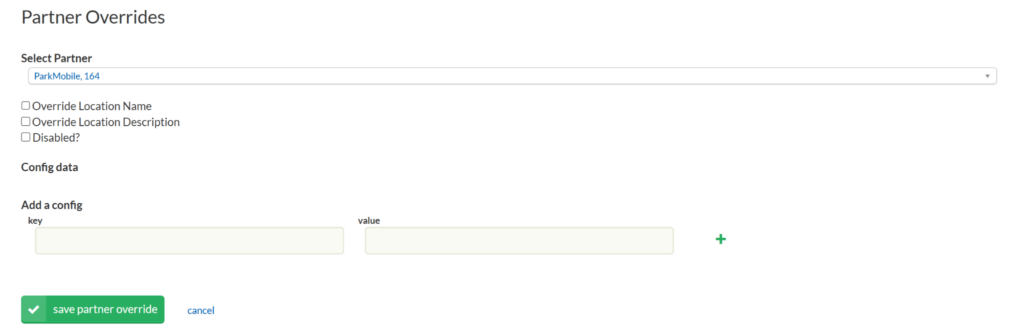
- Check Disabled.
Note
The Disabled setting is enabled to update a value in the ParkWhiz Admin Portal for the ParkMobile-specific location feed. During this time, the location no longer allows bookings or any sort of purchases. Any changes to the location settings need to be done while the location is Disabled. Once the changes are done, then “Disabled?” can be turned off, allowing ParkMobile to resume operations.
- Get the key and value from ParkMobile.
- Hit the green “plus” when entering a new key and value before clicking “save partner override”.
- Save Partner Override.
Pricing & Event Package Build #
ParkWhiz builds reservation rates, event packages, and blackout dates that match ParkMobile.
https://flash-team.atlassian.net/wiki/spaces/PROD/pages/3805151406/ParkWhiz+Admin#Pricing