
Requires Flash Valet app ver. 4.0.11.12 or later
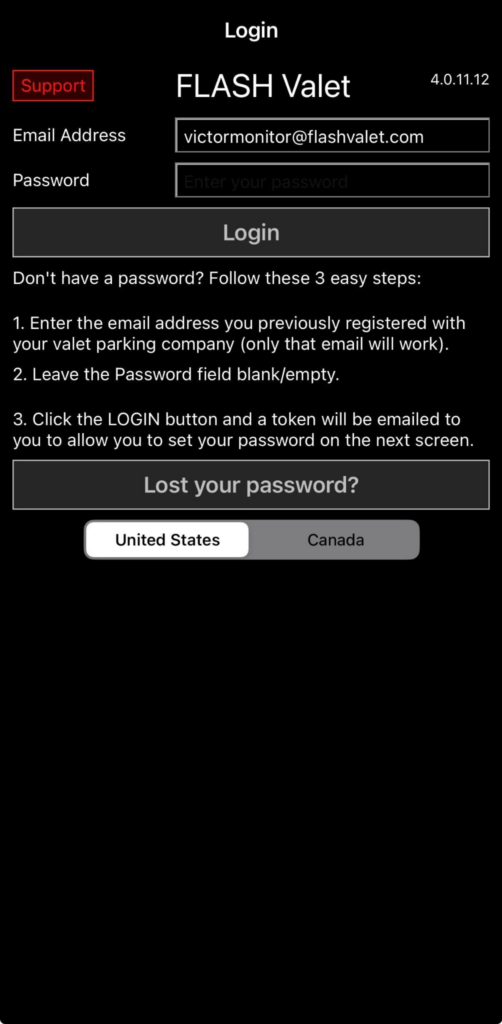
Flash Valet operates across separate regional environments: United States and Canada, each with its own infrastructure. Users must select the correct region before logging in to access their assigned companies and locations.
Why This Is Done #
Flash Valet regions are separated to support infrastructure and regulatory requirements.
- Each region operates on its own infrastructure.
- Data is stored and managed within its respective region.
- Separation supports country-specific regulations (e.g., Canada data handling requirements).
Use Case #
Region selection ensures users access the correct environment tied to their account.
- Users created in the United States region can only access US companies and locations.
- Users created in the Canada region can only access Canada companies and locations.
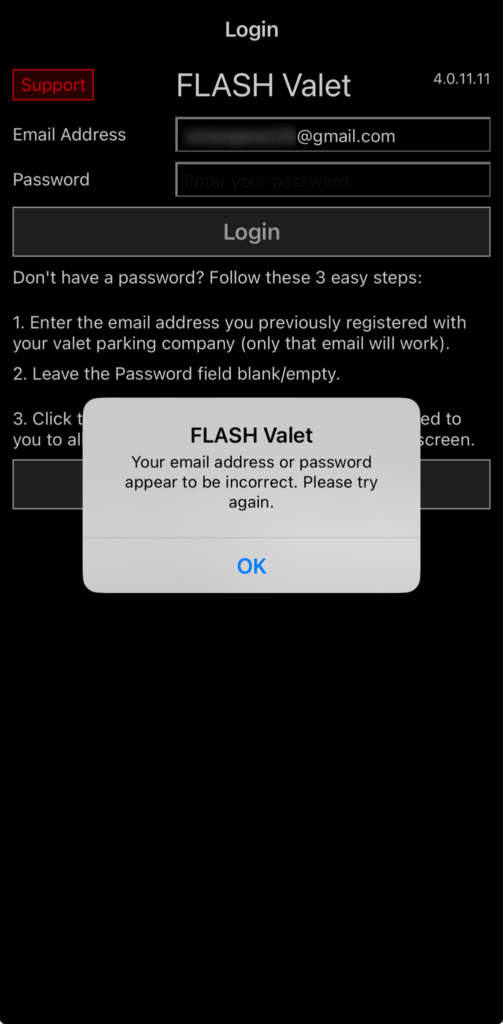
- Selecting the wrong region prevents access and may return a login error.
- Supports expansion by allowing additional regions to be added without impacting existing environments.
How It Works #
- Open the Flash Valet app.
- On the login screen, select the correct region (United States or Canada).
- Enter credentials.
- Tap Log In.
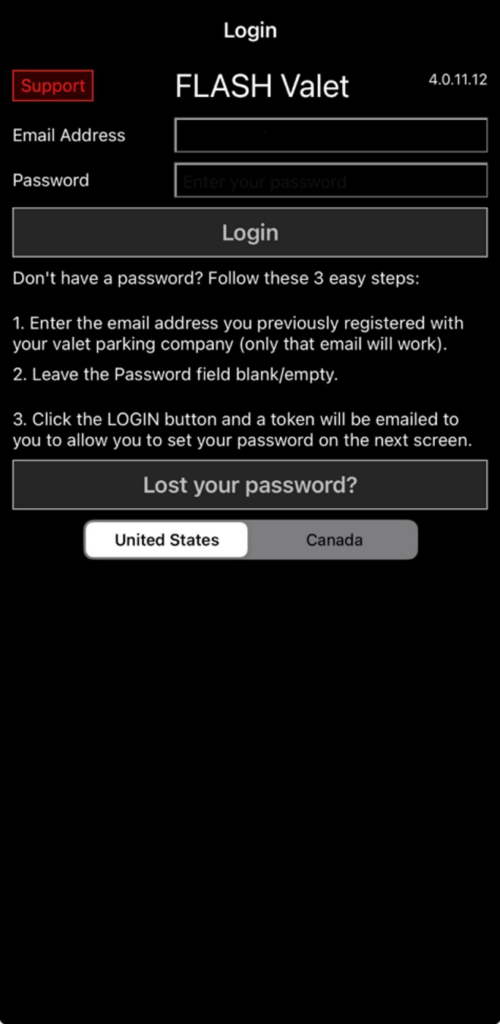
After logging in, only companies and locations within the selected region are available.
If the Wrong Region Is Selected #
If login fails due to incorrect region selection:
- Click OK.
- Return to the login screen.
- Select the correct region.
- Log in again.
Notes #
- Region must be selected before logging in.
- Regions do not share users, companies, or locations.
- A login error may indicate the wrong region is selected, not invalid credentials.