
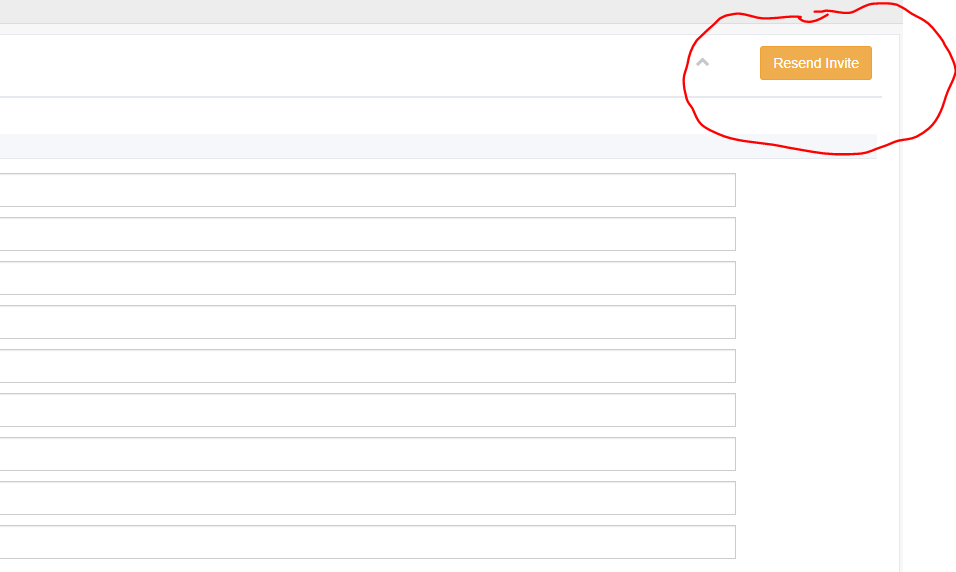
If a parker drops out of the application process before entering their vehicle information or selecting their payment method, their application will show as “Finished Signup” set to “No”. You can resend the application to the account holder for them to complete it if you click the yellow edit button next to the application and then click “Resend Invite.” It will send the parker a link where they are asked to confirm all their information on file and complete any missing information.
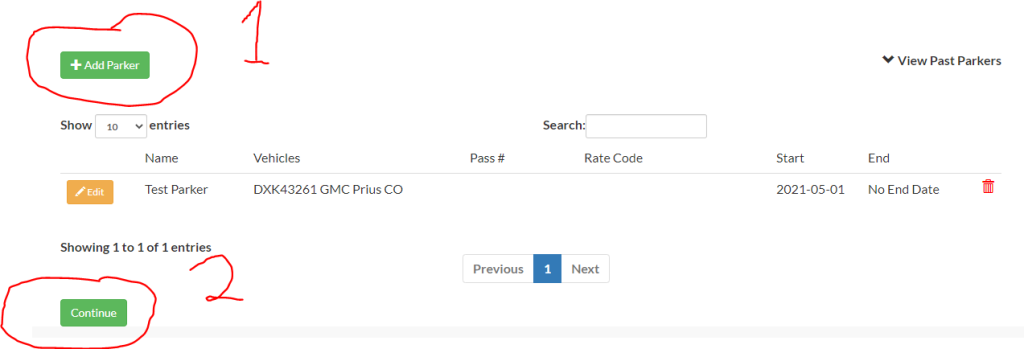
The application will remain as “Finished Signup” set to “No” until the parker clicks the link that they receive and completes the entire sign-up process. If the parker tries to advance through the signup form without completing required information the system will prompt them to complete the missing information before continuing. The parker must also complete their vehicle information on file by adding at least one parker (1) before pressing the continue button (2).
Once the parker has completed the form, they will be set to “Finished Signup” = “Yes”. You can, of course, accept a parking application before all information is complete.