
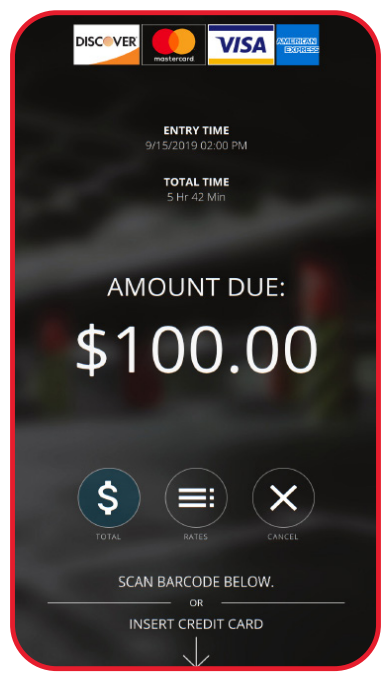
Lost Ticket fees are enabled to handle situations where a driver reaches the exit lane without their parking ticket.
In most cases, the lost ticket fee is set to the facility’s daily maximum rate, though the final amount is determined by the parking operator based on their pricing policy.
Requirements #
- Lost Ticket Module configuration
- Selected Users:
- Flash Admin
- Super Admin
- Garage Administrator
- Parking Manager
- Remote Center (can only send lost tickets)
How it Works #
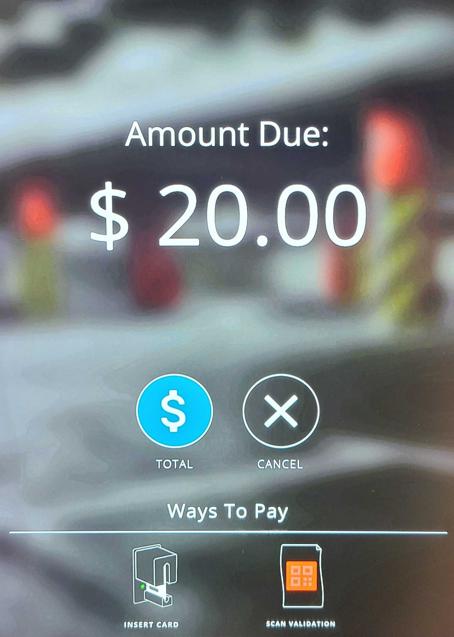
The Lost Ticket button allows parkers who have lost their parking ticket to issue a temporary ticket at the kiosk with a preconfigured amount to be paid for.
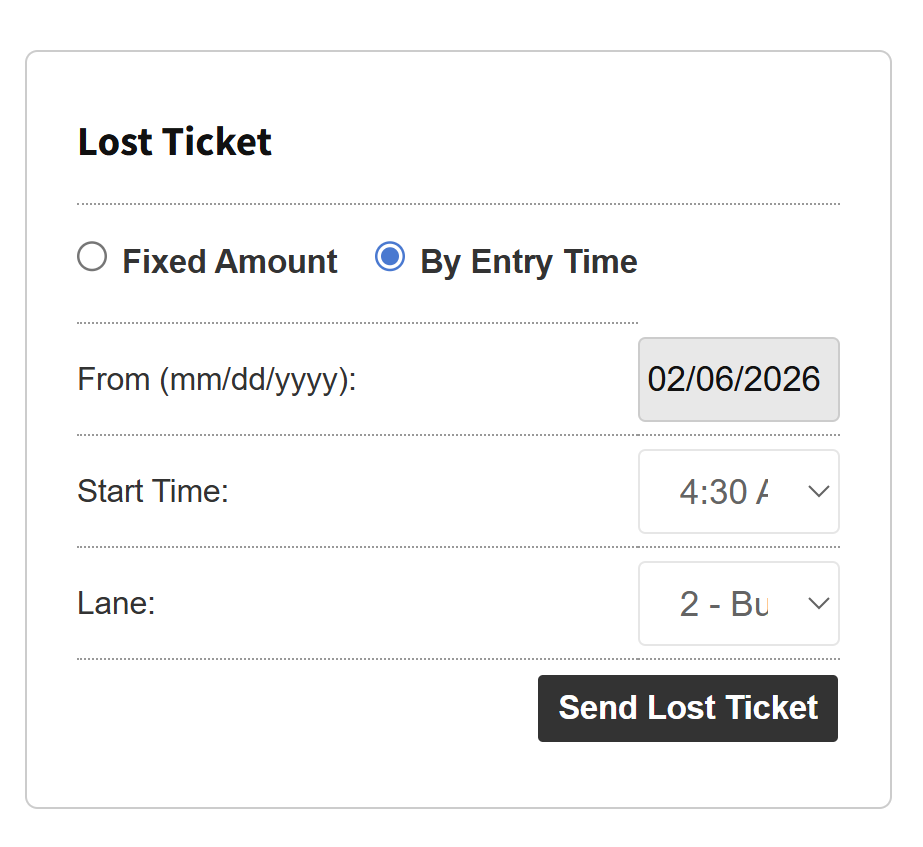
Lost Ticket fees can also be sent to the lane by admins using the Garage Log in PK Admin. Lost Tickets can be a Fixed Amount, or a calculated fee determined By Entry Time.
Currently, validations can only be applied to Lost Tickets that were sent to the lane from the PK Admin Portal, and the Lost Ticket is a fee calculated by Entry Time.
Lost Ticket at Exit #
Parkers walk towards the exit kiosk or POF and select the Press If Lost Ticket button.
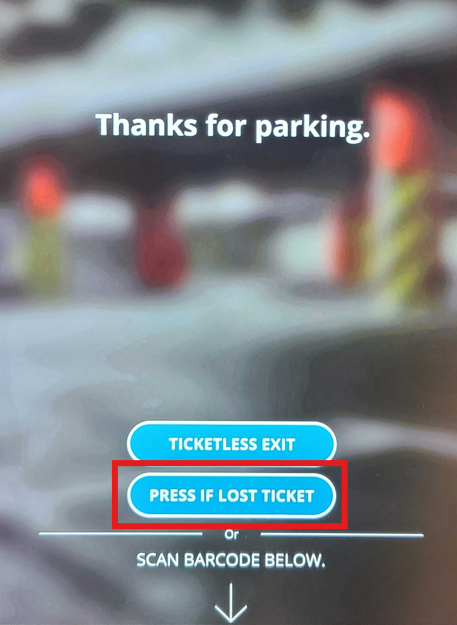
Pressing this button will bring the default lost ticket price selected in the Intercom Lost Ticket field in the Parkonect admin portal.
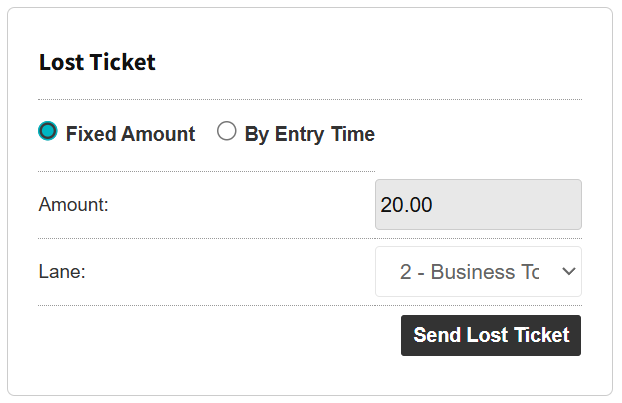
Use the Garage Log to send a Lost Ticket to the lane #
- Go to Garage > Garage Log
- In the Lost Ticket section, select:
- Fixed Amount: A preconfigured flat amount is presented to the driver. This field can be editable before sending to lane, see config guide below.
- By Entry Time: A calculated fee presented to the driver based on the selected entry Date and Time
- Select a Lane.
- Press Send Lost Ticket.
- Press OK on the confirmation message asking if you want to issue a Lost Ticket.
- PK Admin Portal presents a confirmation message stating that the lost ticket has been sent to lane.
Implementation #
Check the configuration page for Lost Ticket for steps on how to configure.
Related Reports #
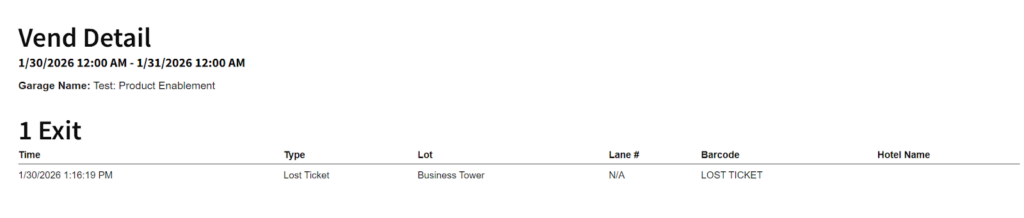
- Vend Detail: Detailed vend activity, including Lost Tickets when selecting Exit.
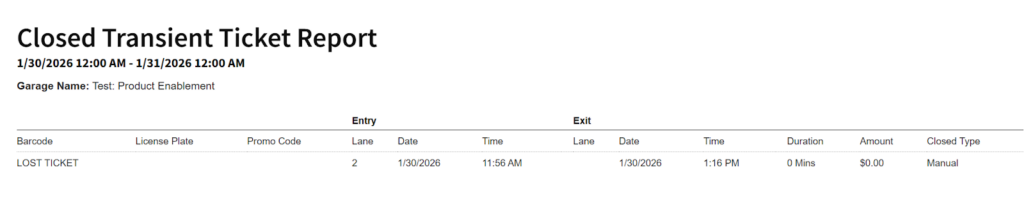
- Closed Transient Ticket report
- Manual Logins/Logout
