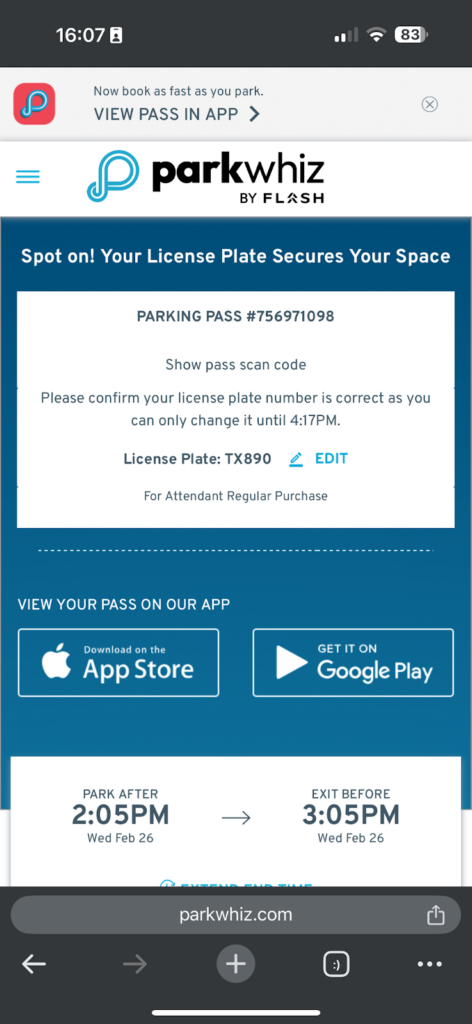
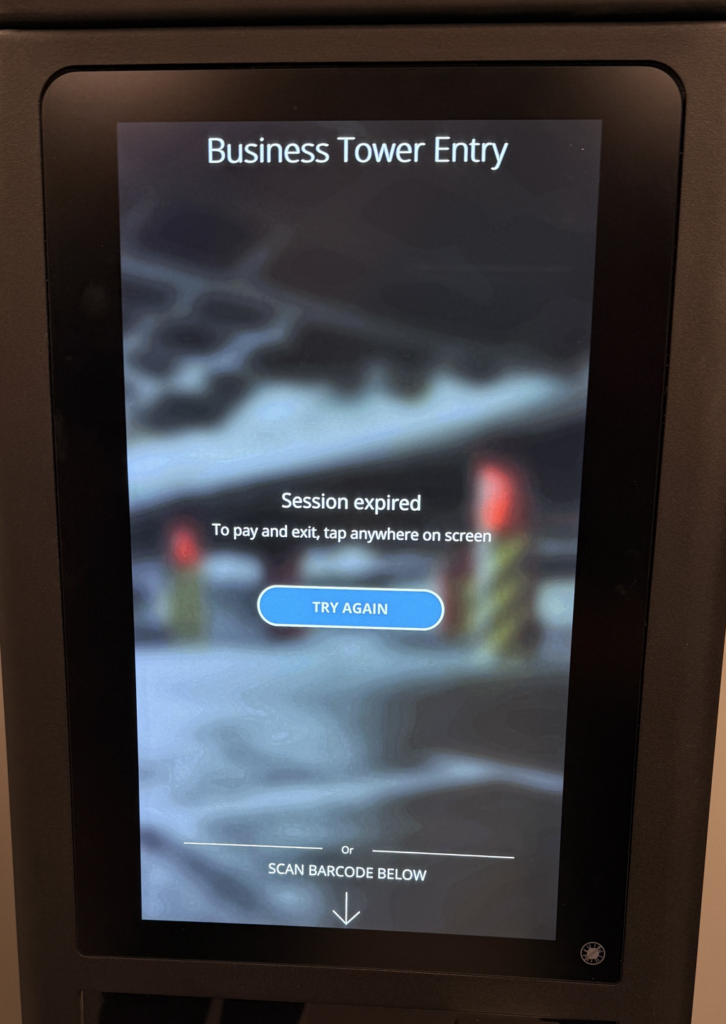
Parkonect offers multiple vehicle entry and exit methods to support different parking configurations, hardware setups, and customer types. Entry and exit behavior can be configured per lane, and methods may be combined within the same location.
Transient Entry/Exit Methods #
Paper Ticket #
Parkers can obtain a printed ticket from the Entry kiosk by selecting the “Print Ticket” option. This same paper ticket can then be used for payment when scanned at the Exit kiosk.
Entry:
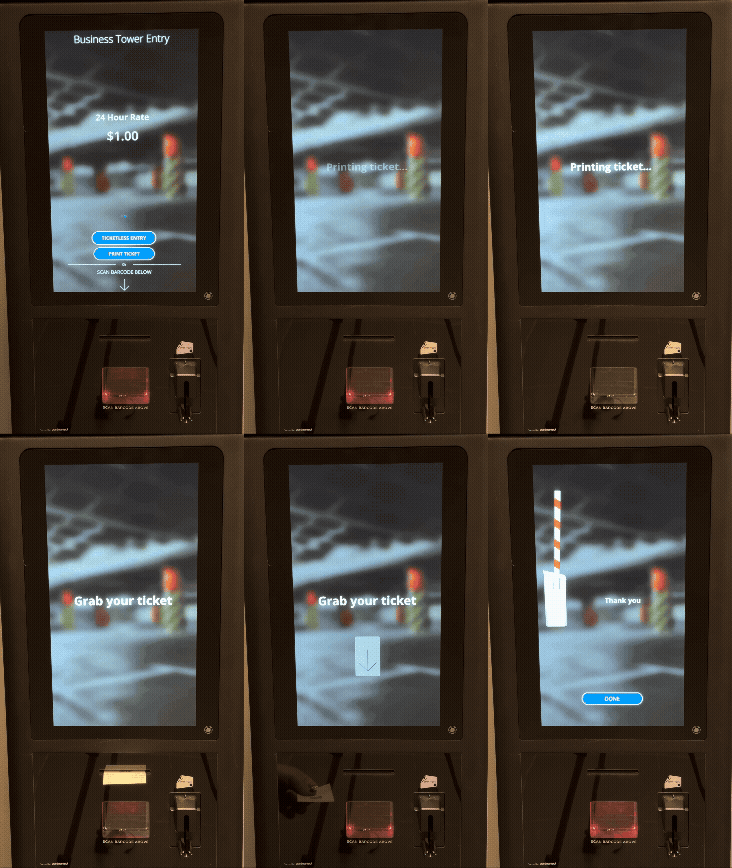
Exit:
- Scan the barcode on the paper ticket and insert the credit card for payment.
- Tap Print Receipt

Mobile Number Entry (Ten Key) #
The Touch Screen Ten Key module enables a 10-key keypad UI option on the kiosk screen, allowing drivers to use their mobile number as a credential for transient access to the parking facility. The driver receives an SMS with a ticket QR code and payment link for their parking session.
- Drivers are presented with an option to enter a mobile phone number or pull a ticket. Drivers tap the Ticketless Entry button on the kiosk screen.
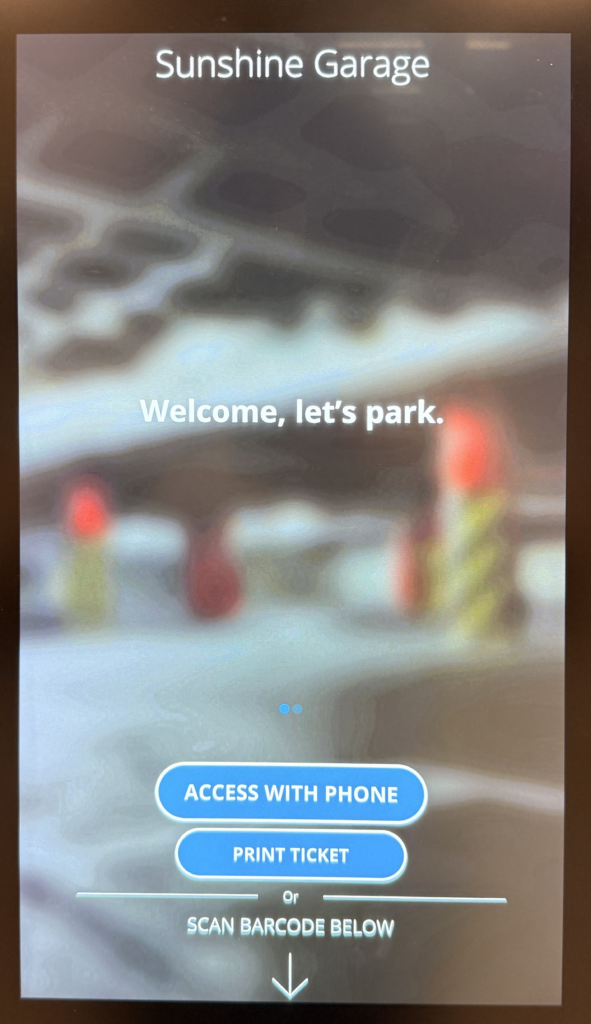
- Drivers enter their phone number and tap the Open Gate button on the kiosk screen.
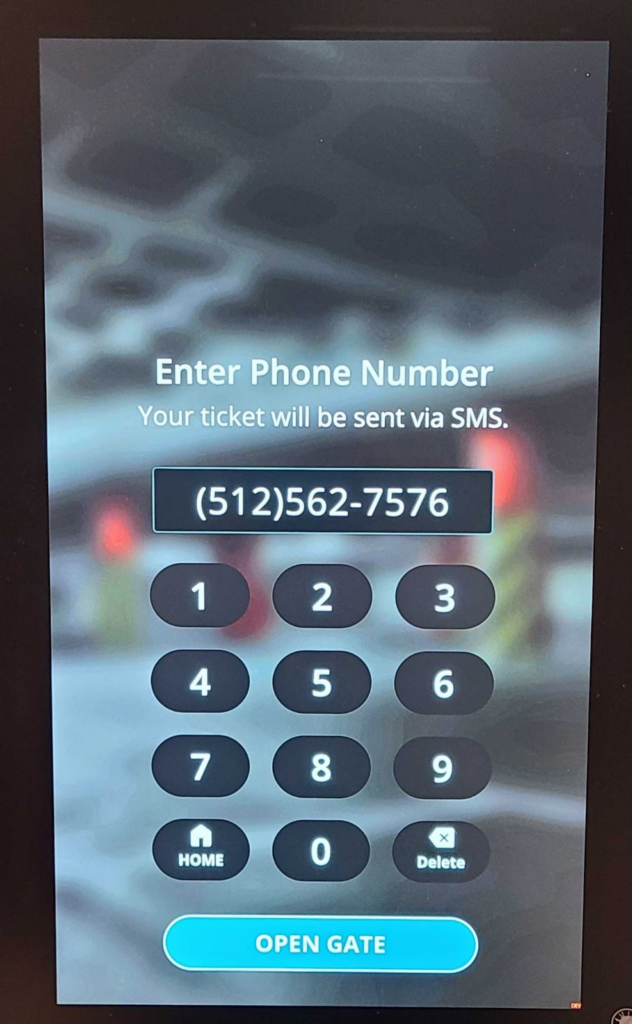
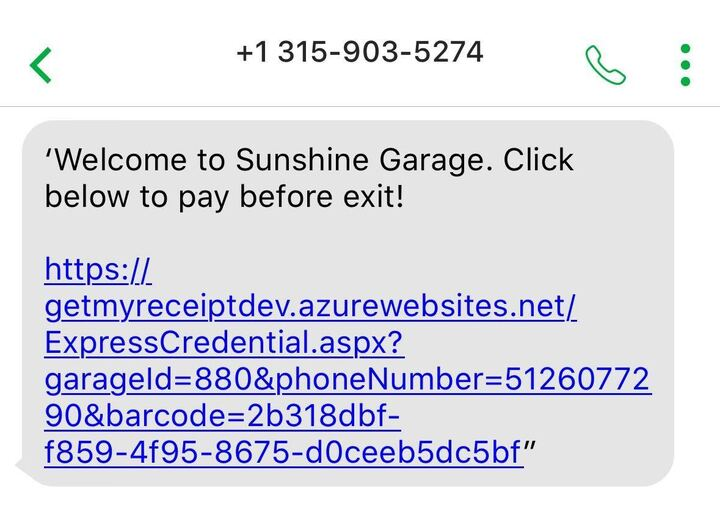
- As the gate vends, the driver receives an SMS with a welcome message and a payment link. The payment link can take the driver to the DTC, Express Pay, or Parking Cashier payment flows depending on the garage settings.
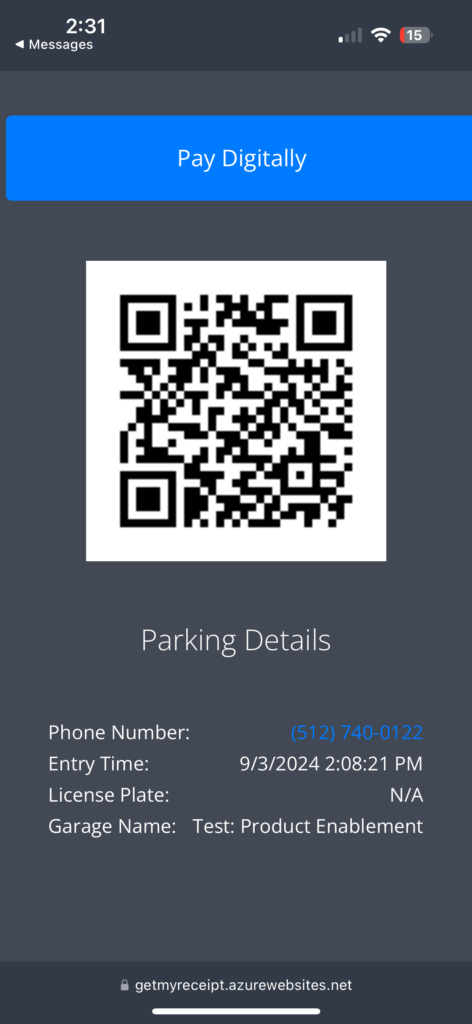
- When the driver taps the link, they are presented with the ticket QR code. This QR code can be used at the Exit or other stations (POF, Validation station, door reader).
Text To Enter #
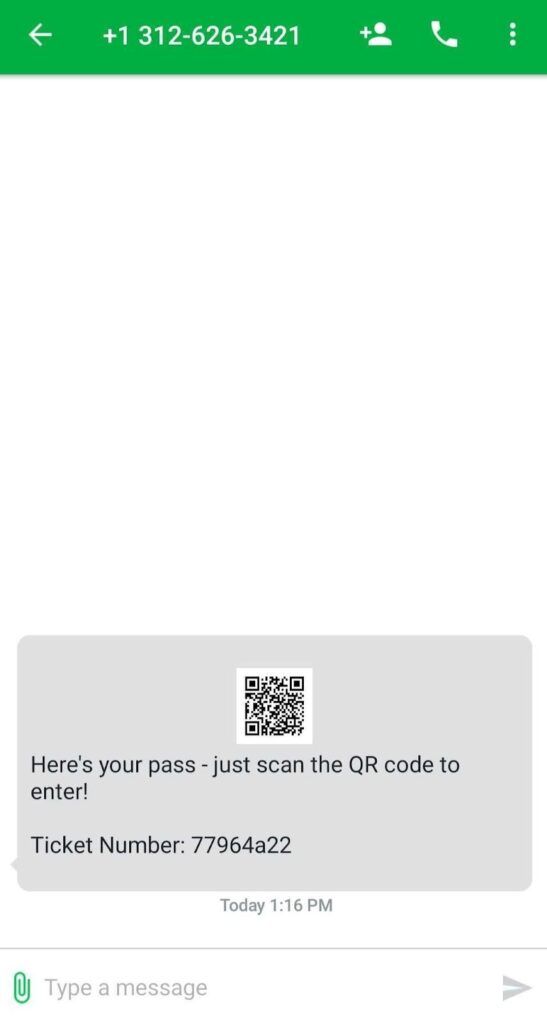
Text to Enter is a Parkonect transient feature that provides customers with an ePass or digital parking ticket by texting “Park” to a dedicated number. The ePass is linked to the location’s rate tables and validations and functions as any regular transient ticket.
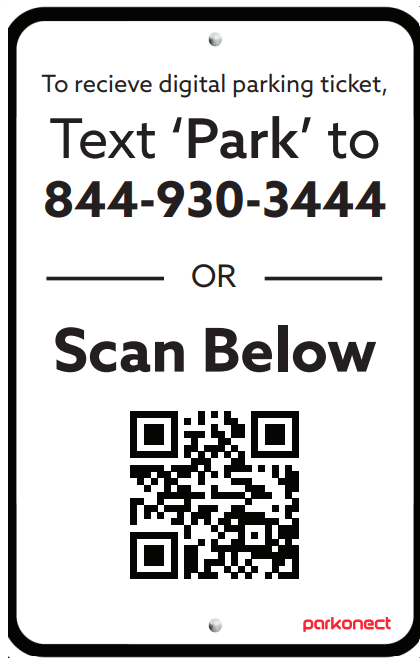
- Customers text the word “Park” through their SMS to the dedicated phone number.

- Then they receive a text reply from the system with a QR code.
Credit Card In/Out #
Parkonect enables transient parkers to enter and exit the parking facility by using their credit card as their parking credential.
Not compatible with:
- VP5300 (EMV) readers.
- T-Series Barcode Reader Mini Kiosk.
- These units do not have a credit card reader.
PrePay at Entry #
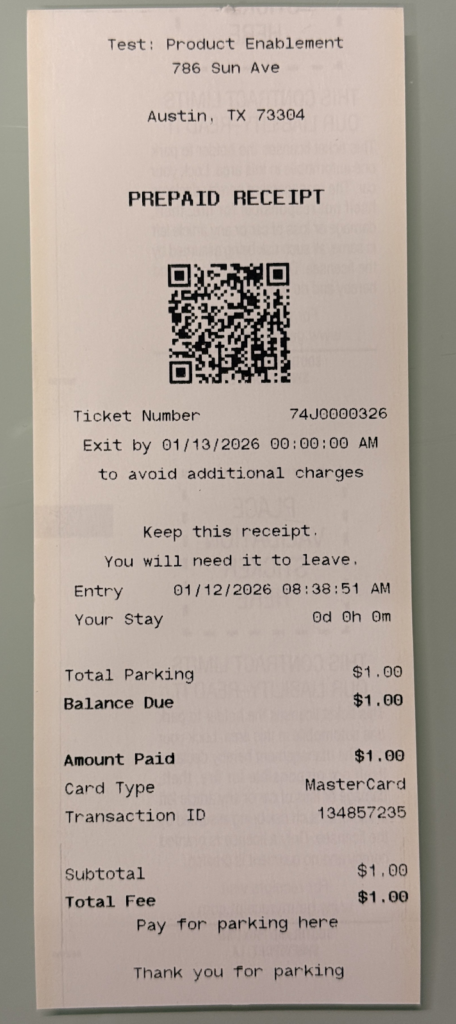
PrePay at Entry Mode configures entry kiosks to collect payment from transient parkers at the time of entry. This mode is typically used for events or situations where a flat rate is charged up front, ensuring all parkers pay before entering the facility.
Receipt example:
License Plate Recognition #
The transient parker pulls a ticket or enters their phone number. With License Plate Recognition the system ties their license plate to the ticket they just pulled from the kiosk and vends the gate, enabling a seamless exit if they pay for parking before leaving the facility.
Options to pay before Exit
- POF
- DTC
- Express Pay
- Parking Cashier
- Fully validated.
- If the ticket is partially validated, the amount due is shown on the Exit screen as the driver pulls to the lane.
Express Pay #
Express Pay for Parkonect combines license plate recognition with digital payments to create a frictionless parking experience. At entry, Vision LPR captures the vehicle’s license plate, which becomes the driver’s parking credential for Express Pay.
Digital Ticket Checkout (DTC) #
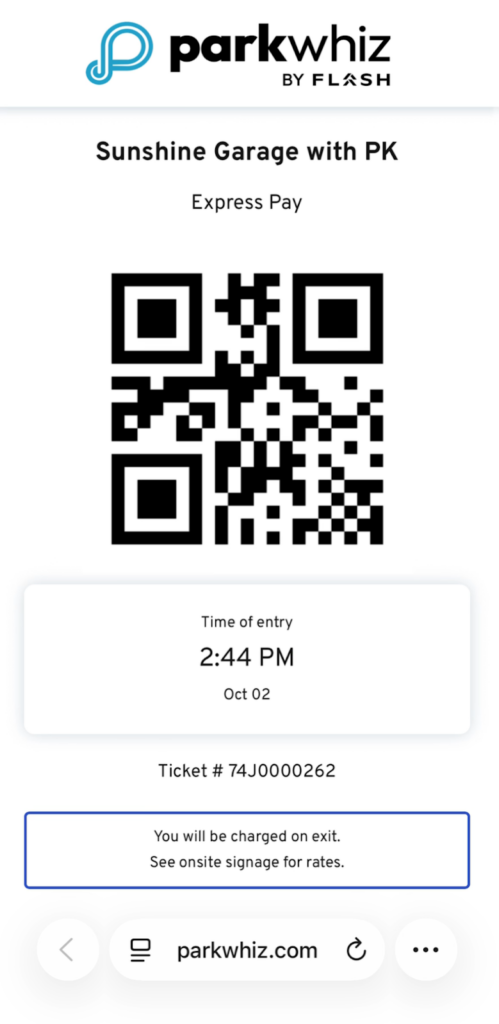
With Digital Ticket Checkout (DTC) users pull a ticket from an entry kiosk and then use the ParkWhiz app to process the payment. Scanning the paper ticket QR code allows users to pay with Apple Pay, Google Pay, or via credit card. After payment, users can use the QR code on their digital receipt or their entry ticket to Exit.

Digital ticket QR code:

Monthly Entry/Exit Methods #
Supported Credentials #
- Barcodes / Mobile QR Codes
- Prox cards
- Long-range RFID (AVI)
- License plate recognition (LPR)
- Passkit: Parkonect’s Passkit feature allows you to send monthly parkers a QR code they can use as a credential for easy access. Monthly Parkers can save this credential in their digital wallets (Apple Wallet or Google Wallet).
Unsupported Credentials #
- Bluetooth
- Telephone In/Out / (IVR)
- Monthly PIN
- ValuePass
Other Entry/Exit Methods #
Hotel Parking Pass #
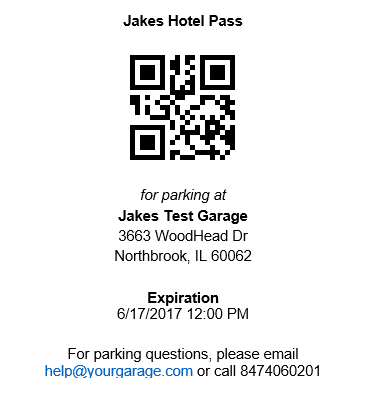
Parkonect’s Hotel Portal is a unique web-based tool that easily converts a guest’s self-parking ticket into a multi-use parking pass with in/out privileges. The Hotel Portal is intuitive and simple to use and includes features that allow hotel staff to quickly add new parkers as well as look up existing passes for editing and reissuance.
Tenant Vouchers #
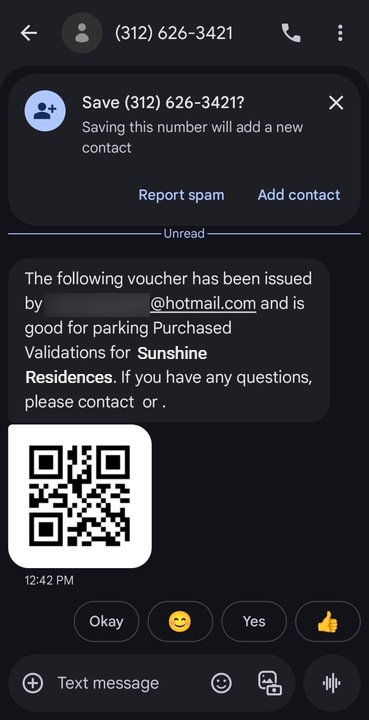
This module allows tenant accounts to be created in the Parkonect Admin Portal. Once set up, tenants can access the Tenant Portal to purchase validations and send them electronically to their guests.
Parking Pass Generator #
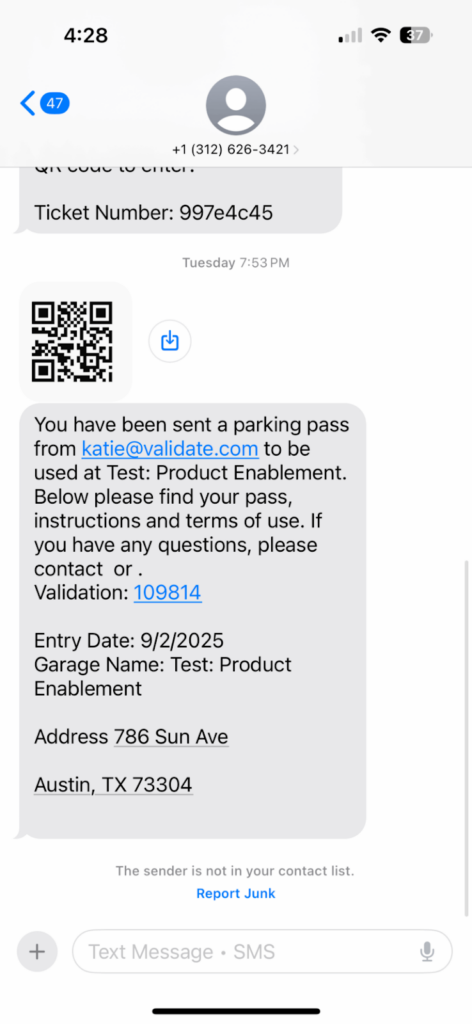
The Parking Pass Generator module lets validation and admin users log in to validationparking.com to create a digital Parking Pass and send it to recipients by text or email. Each pass is tied to a validation rate and can be scanned at entry and exit for garage access.
Reservations #
Reservations can be linked directly to Parkonect’s system and kiosks, allowing for seamless integration. When a driver books through, their reservation data is automatically passed to Parkonect, so the kiosk recognizes their QR code at entry and exit. This reduces manual intervention, minimizes errors, and ensures a smooth flow for both the driver and the operator.