
All the Valet Hiker reports can be found under the “insights” Tab. Select reports and then select the garage. In the drop-down menu, you will see the following Valet Hiker reports.

Valet Closed Ticket & Rebill Report #
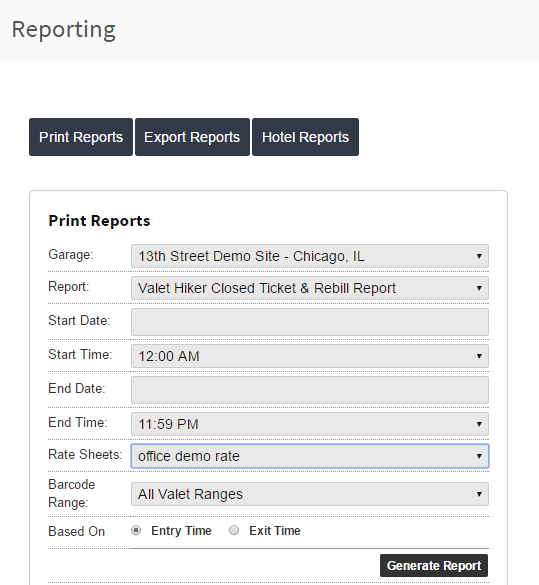
This report allows you to see all closed tickets for a specific date/time range with the following parameters:
- Start Date
- End Date
- Start Time
- End Time
- Barcode Range—You can run this report for all barcodes or for a specific valet barcode range.
- Rate Sheets— Shows the Rate Sheet used to charge the parking session when generating the report.
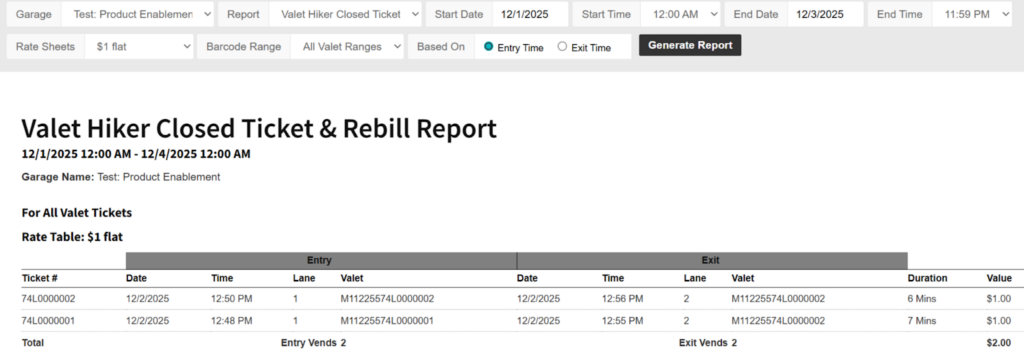
Report fields
- Ticket #: Number assigned to the ticket depending on the barcode range.
- Entry
- Date: Entry date
- Time: Entry time
- Lane: Lane number configured at kiosk
- Valet: Credentials used by the valet hiker
- Exit
- Date: Exit date
- Time: Exit time
- Lane: Lane number configured at kiosk
- Valet: Credentials used by the valet hiker
- Duration: Total time for the parking session
- Value: Parking session value
Valet Hiker Log #
This report will show all entries and exits for either a specified barcode range or all ranges and can be pulled based on the following parameters:
- Start Date
- End Date
- Start Time
- End Time
- Barcode Range—You can run this report for all barcodes or a specific barcode range.
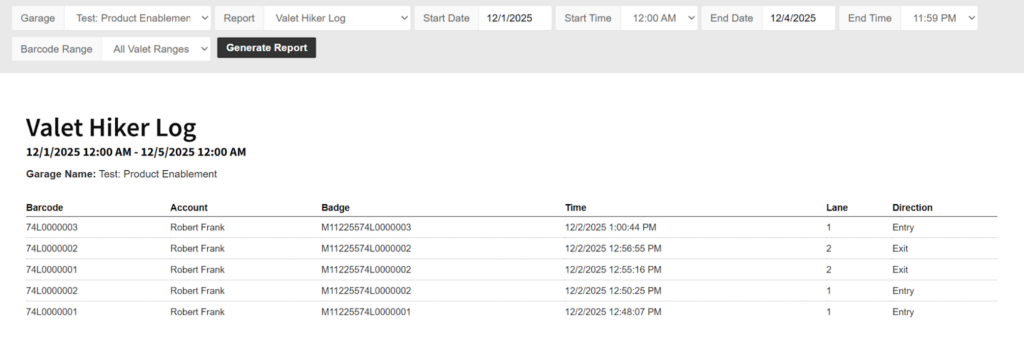
Report fields
- Barcode: Number assigned to the ticket depending on the barcode range.
- Account: Main account to which the valet hiker is linked
- Badge: Monthly prefix credentials for the valet hiker
- Time: Entry or exit time
- Lane: Lane number
- Direction: Whether it was an entry or exit action
Valet Hiker Open Tickets #
This report allows you to see all open valet tickets in your garage based on the following parameters:
- Start Date
- End Date
- Start Time
- End Time
- Barcode Range—You can run this report for all barcodes or a specific barcode range.
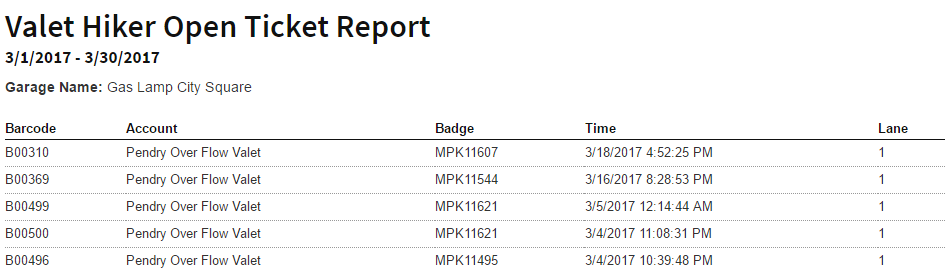
Report fields
- Barcode: Number assigned to the ticket depending on the barcode range.
- Account: Main account to which the valet hiker is linked
- Badge: Monthly prefix credentials for the valet hiker
- Time: Entry or exit time
- Lane: Lane number
Valet Hiker Vends #
This is a summary report for all vends by valet account and will return both entry and exit vends for each account based on the following parameters:
- Start Date
- End Date
- Start Time
- End Time
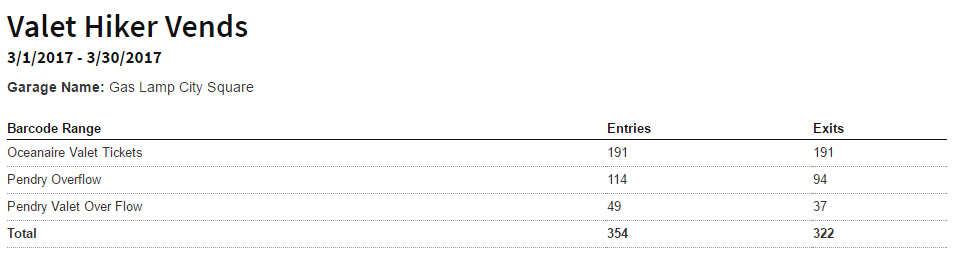
Report fields
- Barcode Range: Shows the barcode range name
- Entries: Number of entries made by the barcode range
- Exits: Number of exits made by the barcode range
Optional: Building a Rate Sheet #
If you would like to assign a new rate sheet for rebilling purposes, simply navigate to Garage Settings > Rates > Create New Garage Rate Sheet.
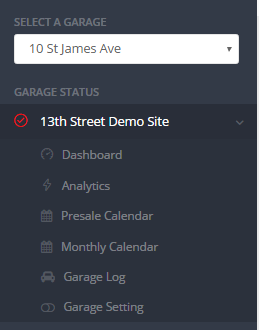
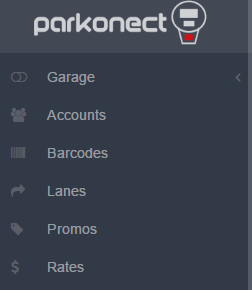
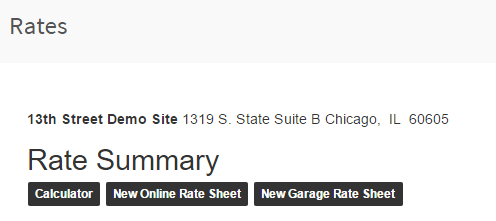
When building the rate sheet, first start by giving it a name. You can have different rate tables for each valet company, should you choose. If so, name the rate to correspond with said valet company. When adding the rate, you should start with 0 and increase based on the parameters of your choosing.
Note
The rate is built in minutes from 0 to 1440 (24hrs). No values can overlap or be skipped within this range. See the image below for an example of a correctly configured rate table.
