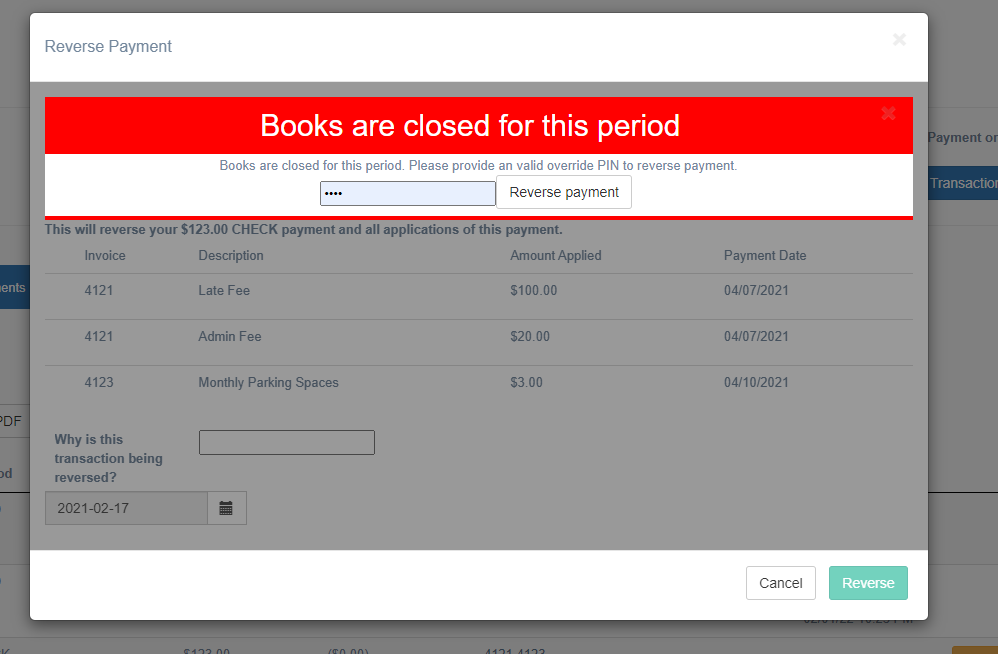
Closing the books is an accounting practice that prevents system changes in closed accounting periods. For instance, you may have a month in Flash A/R that has already been recorded as accounting entries into a General Ledger system like Quickbooks. You would close the books to make sure you don’t change any transactions in that period that would cause your Quickbooks entries to become inaccurate.
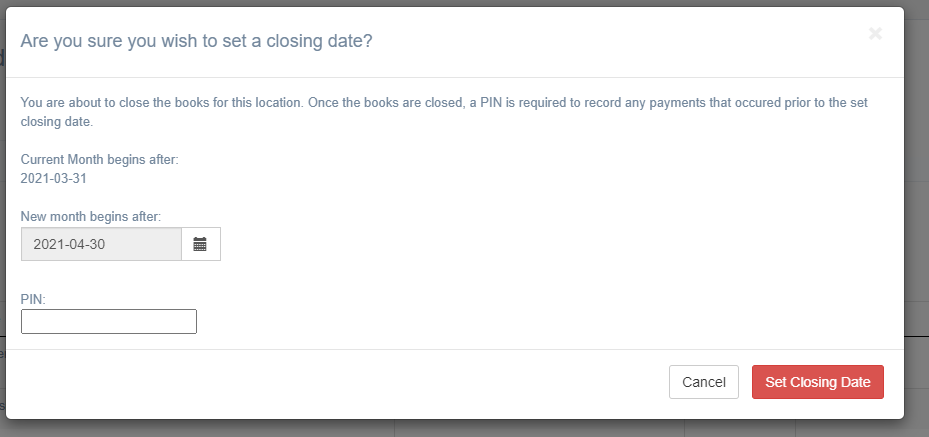
To set the closing month, go to a location’s settings and click the yellow “Close the Books” button. “Current Month Begins after” indicates the day you cannot record or change transactions on or before. You can change your closing date for this location by selecting the “New month begins after” equal to the new day you cannot record or change transactions on or before. You change this date by entering the 4-digit PIN provided by onboarding during your setup (if the customer does not have a PIN, one can be created via SuperAdmin on the location edit screen, or, they can enter no PIN number to change their closing date).
Entries into closed months (voiding invoices, recording transactions, reversing transactions) can be overridden by a 4 digit PIN code.