Requirements #
- Config Access: Super User (internal)
- Location must be equipped with LPR
Configuration Steps #
Log into Parkonect portal at secure.parkonect.com
- Select the Parkonect tab from the top menu and choose the Vendors option.

2. Click the Select button next to License Plate Lookup.

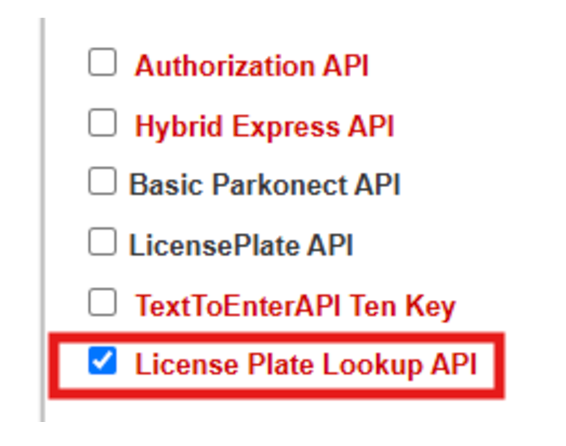
3. Check the License Plate Lookup API.
4. Select the garage from the list to add it under the License Plate Lookup API, then scroll back to the top and click the Close button.

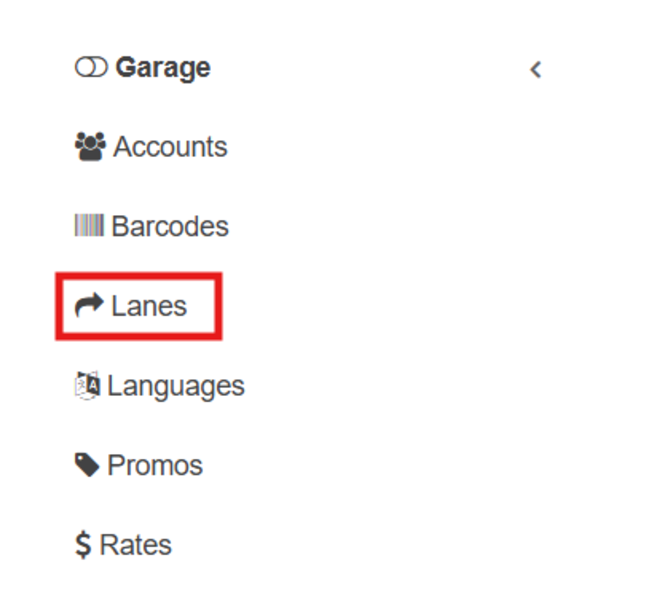
5. Select the Lanes tab from the Garage Settings menu > choose POF kiosk
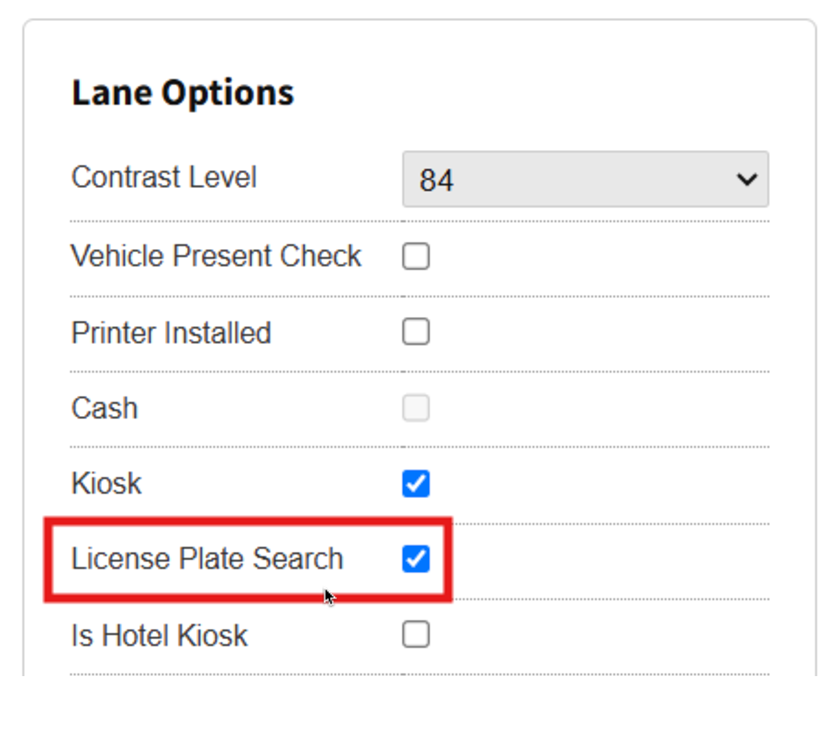
6. Check License Plate Search setting > Update