
Reports for locations in the ZipPark portal offer clear and comprehensive information regarding the data type that best suits the customer. These reports are categorized. Once generated, reports open in a secondary tab.
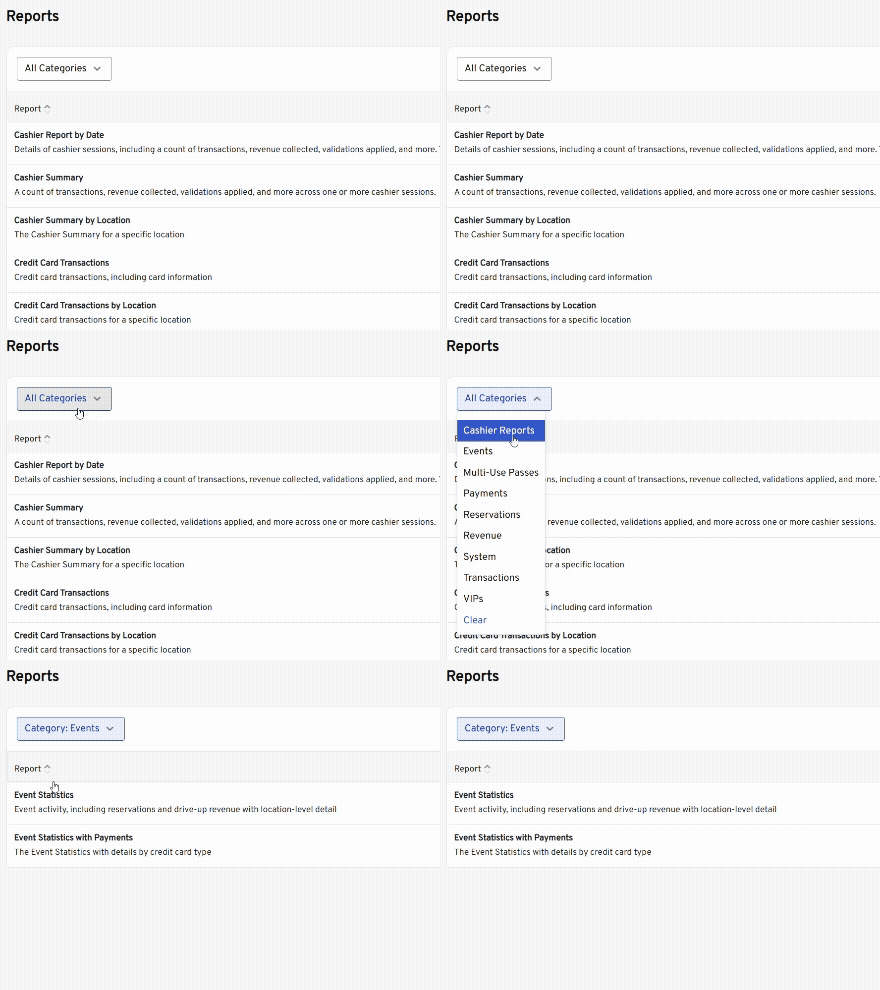
Cashier Reports #
Cashier Report by Date #
Details of cashier sessions, including a count of transactions, revenue collected, validations applied, and more. This is what is printed when a user cashes out.

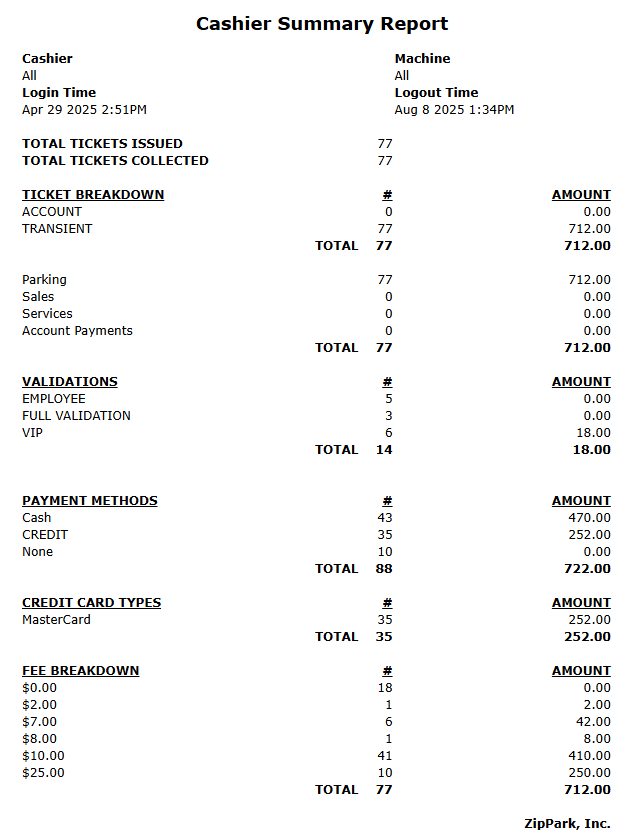
Cashier Summary #
A count of transactions, revenue collected, validations applied, and more across one or more cashier sessions.
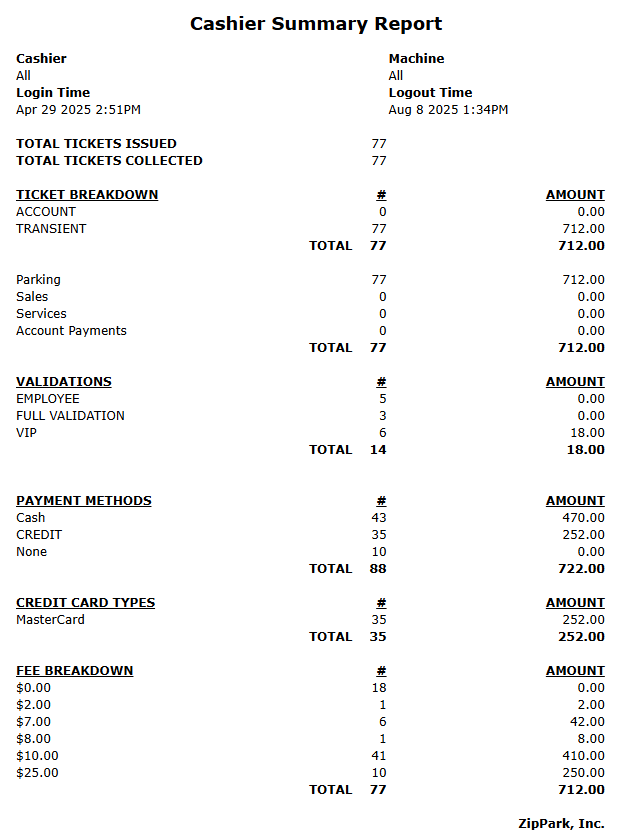
Cashier Summary by Location #
The Cashier Summary for a specific location.
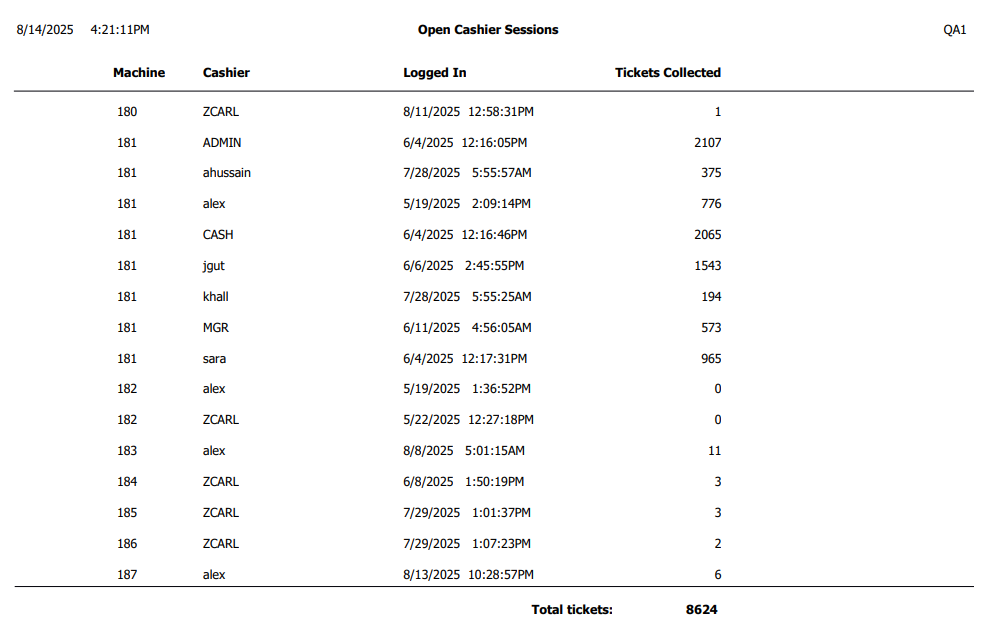
Open Cashier Sessions #
Available as a downloadable PDF
Cashier sessions that have not been closed by cashing out.
Events #
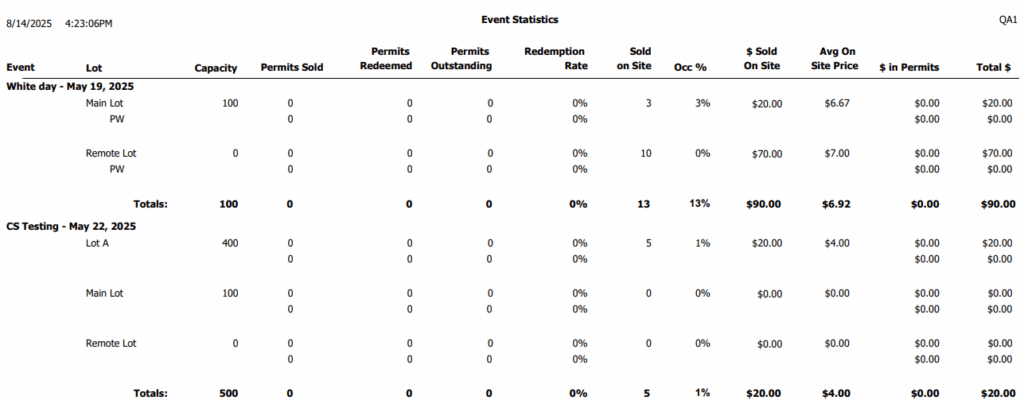
Event Statistics #
Available as PDF and Excel
Event activity, including reservations and drive-up revenue with location-level detail
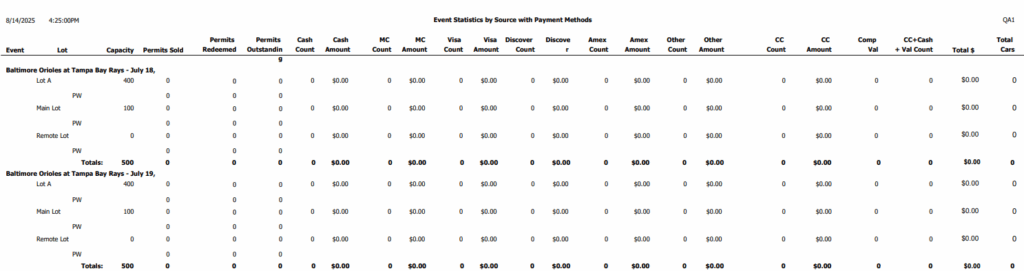
Event Statistics with Payments #
Available as PDF and Excel
The Event Statistics with details by credit card type
Multi-Use Passes #
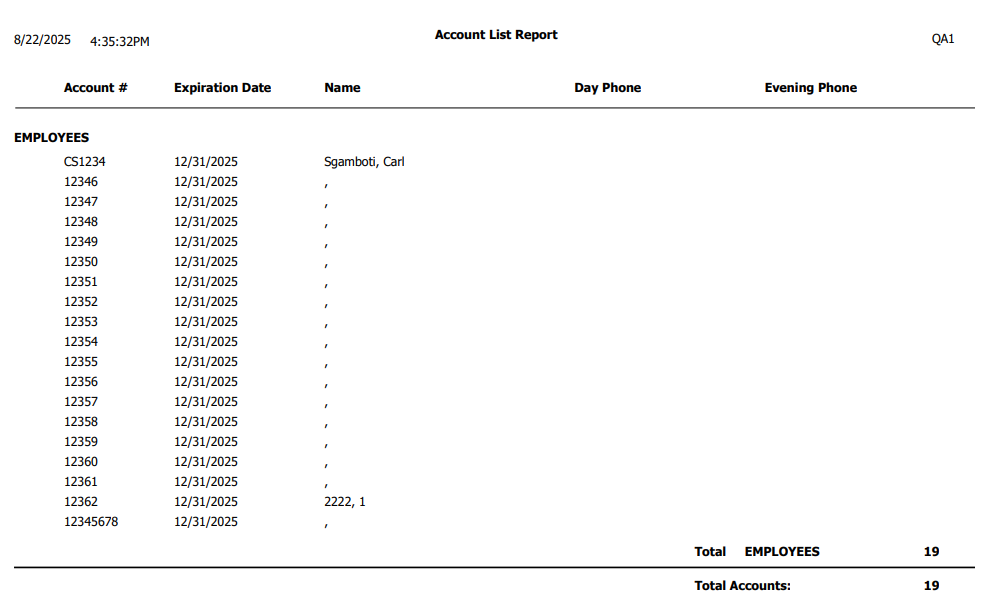
Multi-Use Passes #
Available as PDF and Excel
Multi-use pass IDs and associated information.
Payments #
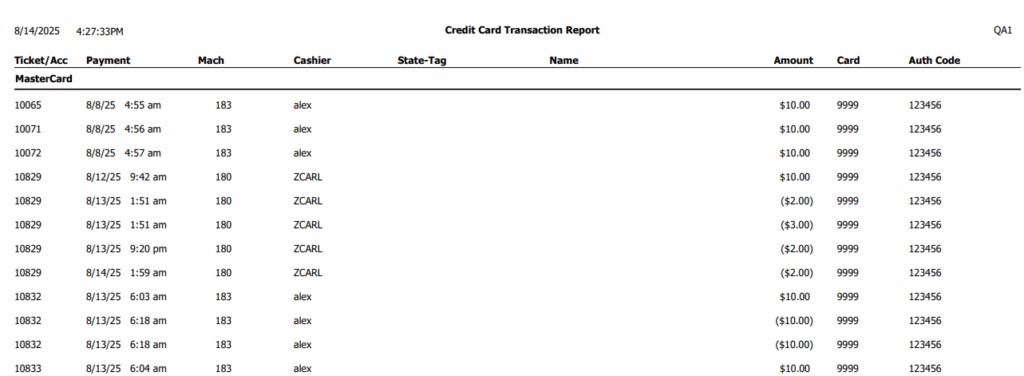
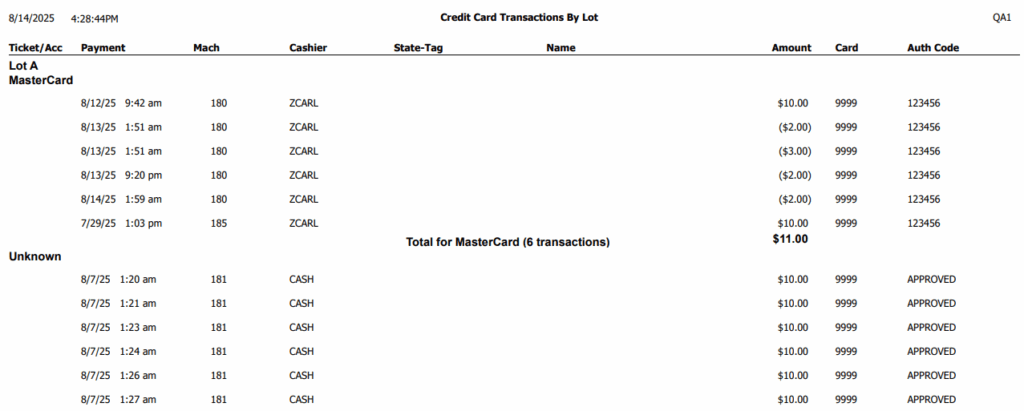
Credit Card Transactions #
Available as PDF and Excel
Credit card transactions, including card information
Credit Card Transactions by Location #
Available as PDF and Excel
Credit card transactions for a specific location.
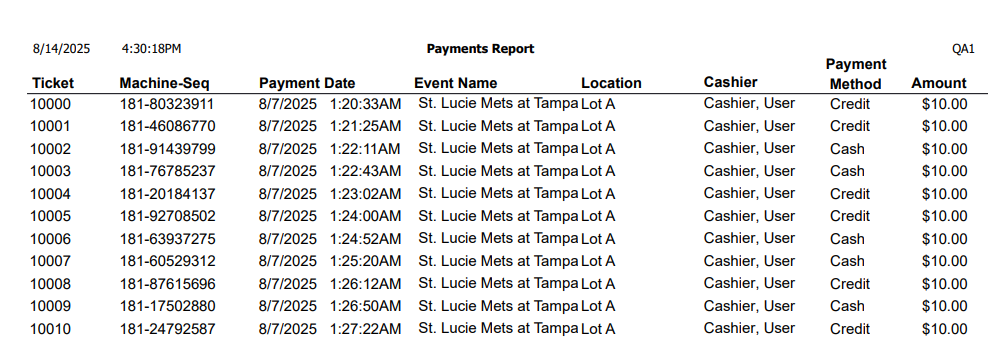
Payments #
Available as PDF and Excel
Payments and/or refunds, including credit card information.
Reservations #
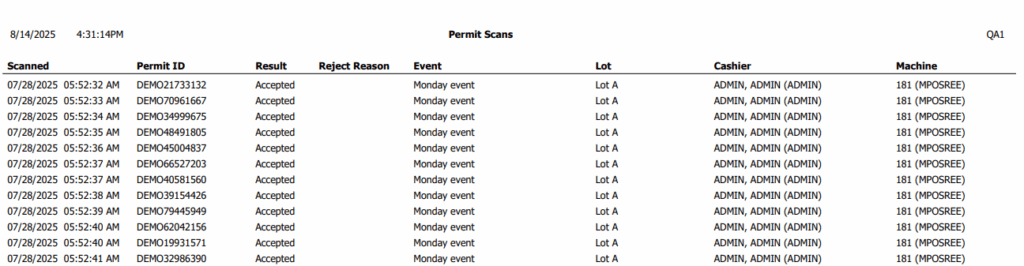
Reservation Scans #
Available as PDF and Excel
Reservation scans, including results and reasons for rejection
Reservations #
Available as PDF and Excel
Reservations for past events.

Revenue #
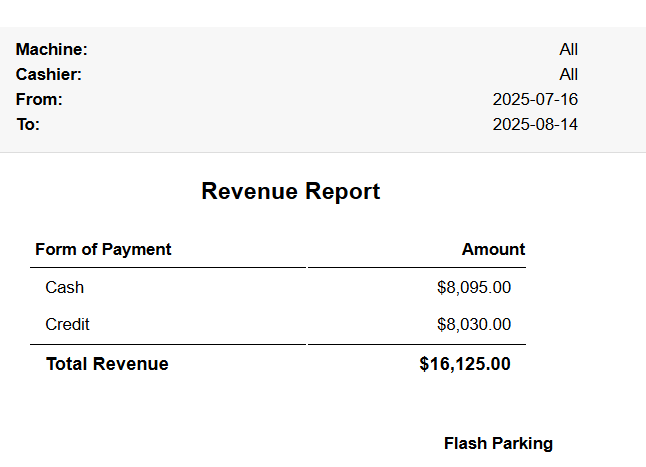
Revenue Summary #
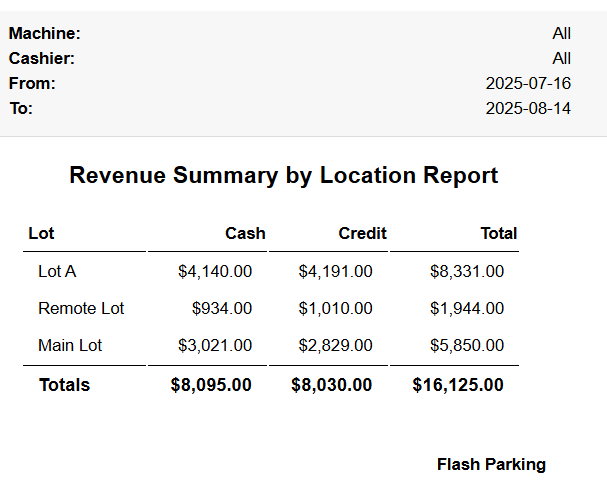
A high-level report of revenue, including cash and credit
Revenue Summary by Location #
The Revenue Summary for each location.
Validations #
Available as PDF and Excel
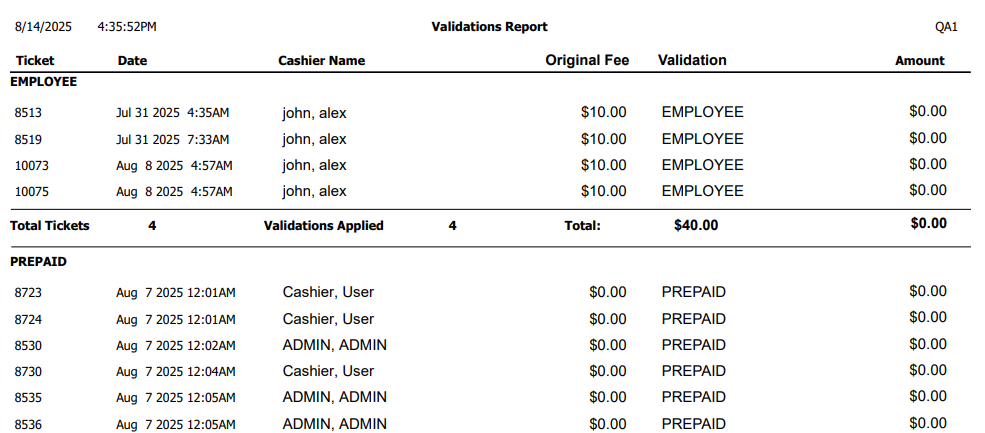
Validations applied to transactions.
System #
User Audit #
Available as PDF and Excel
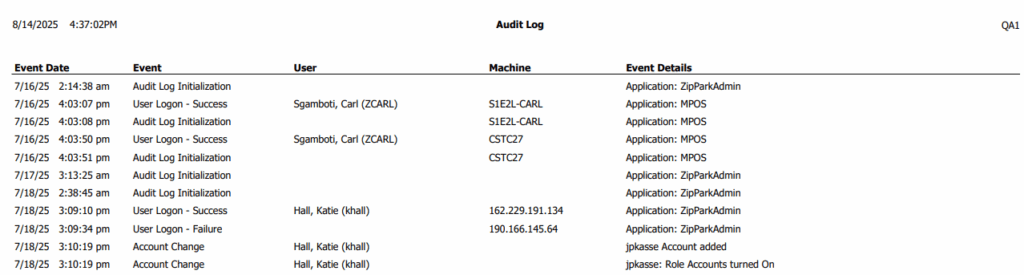
Important user activity in the system, like sign-ins, configuration changes, and more.
Transactions #
Transaction Statistics #
Available as PDF and Excel
Summary of transaction activity within a date range.

Transactions #
Available as PDF and Excel
Transactions including associated payments and other details.
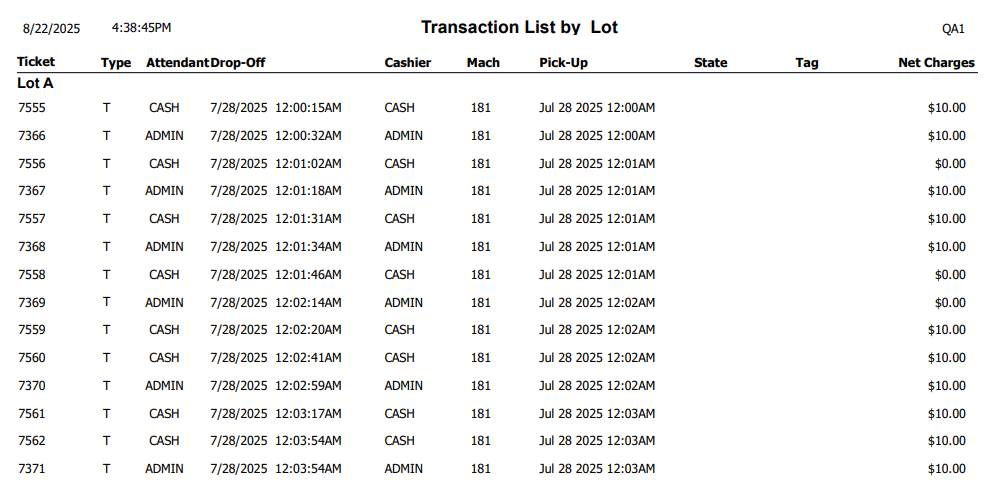
Transactions by Location #
Available as PDF and Excel
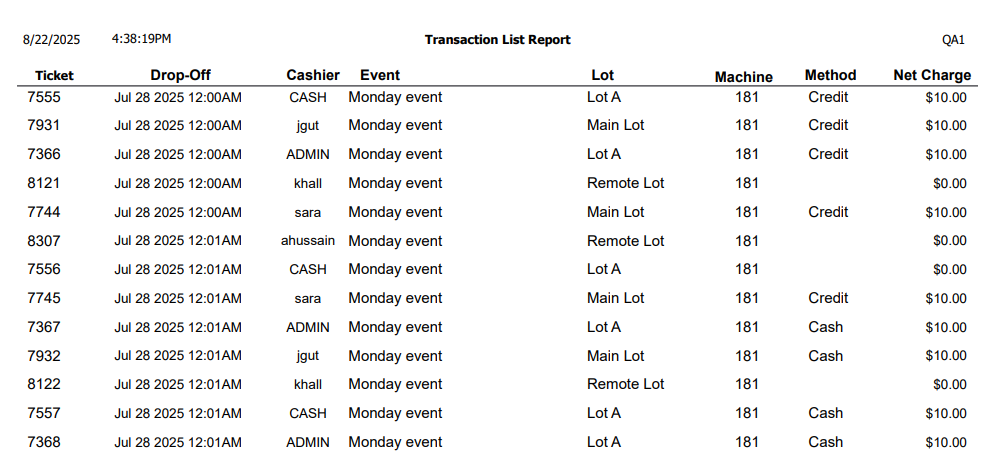
Transactions sorted and grouped by location.
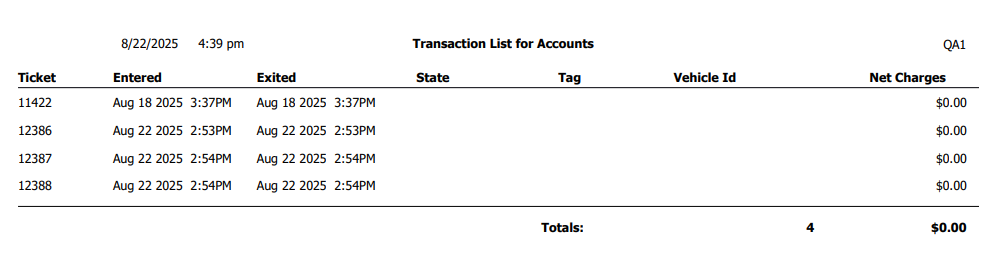
Transactions for Multi-Use Passes #
Available as PDF and Excel
Transactions created by scanning a multi-use pass.
VIPs #
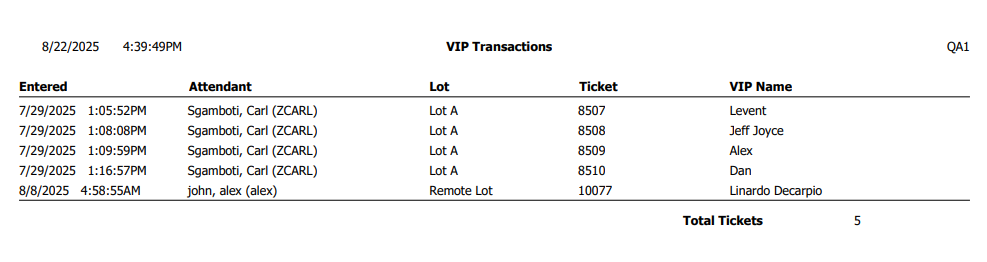
VIP Transactions #
Available as PDF and Excel
Transactions where a VIP was admitted.
VIPs #
Available as PDF and Excel
VIPs for each event, including name and other information.